← Back to Blog
Claude Code Just Got 10x More Powerful: 10 New Features.
10 new Claude Code features that change how I build day-to-day: insights reports, effort levels, remote control, batch, simplify, hooks, agent teams.
10 new Claude Code features that change how I build day-to-day: insights reports, effort levels, remote control, batch, simplify, hooks, agent teams.
Claude Code is Anthropic's terminal-based coding agent that turns your command line into a full engineering teammate. The product just got a lot more powerful. There are 10 features buried in the docs that 10x how I actually use Claude Code day-to-day, and the gap between knowing they exist and not knowing is the gap between prompting a chatbot and running a real engineering agent.
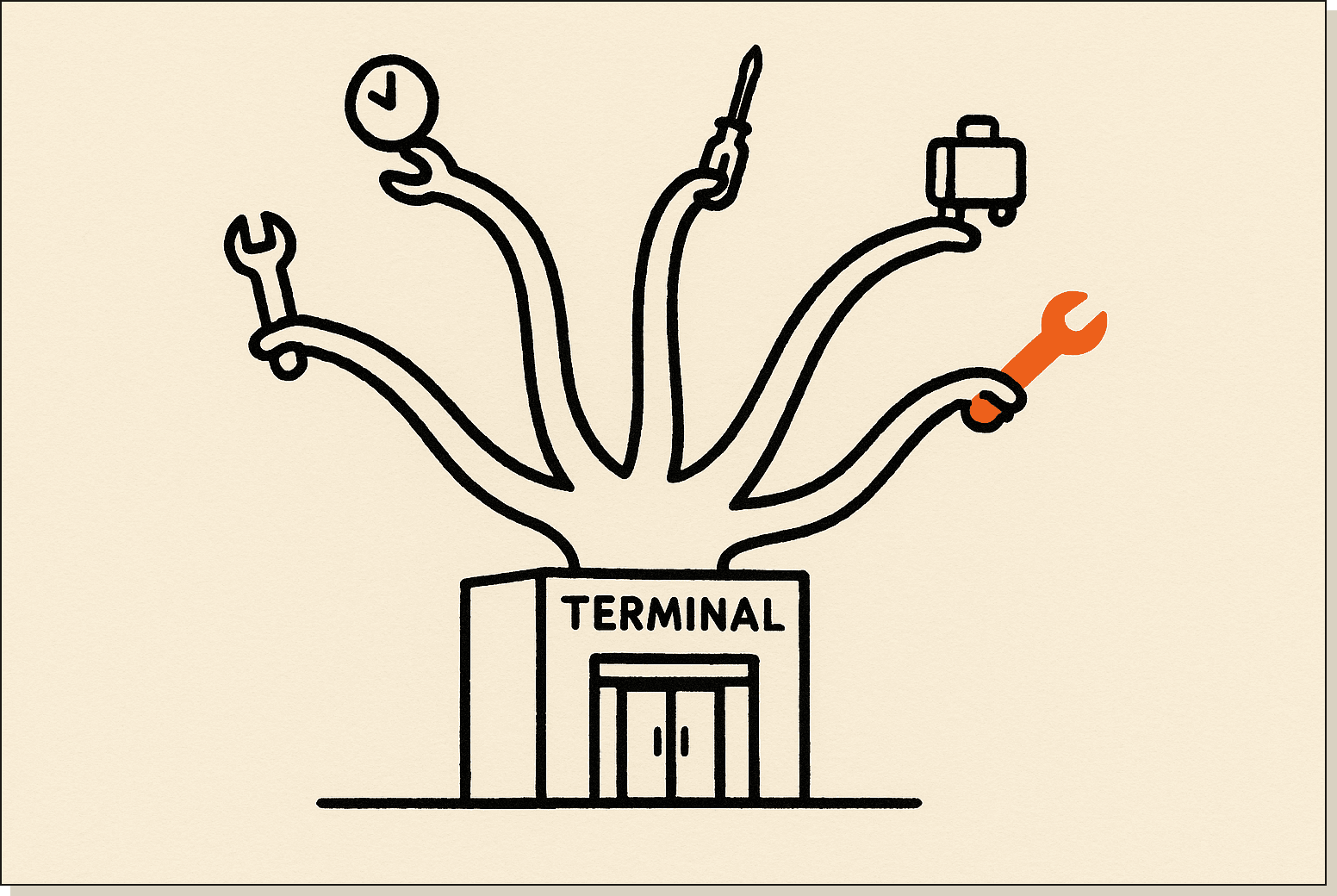
Some shipped in the last few weeks. Others have been sitting there since launch, ignored. I'm Tom. I use Claude Code every day to build apps, write content, and orchestrate AI teams. Below is a walkthrough of every feature, what it does, when to use it, and where it falls short.
Claude Code is Anthropic's command-line coding agent. Install it via npm, point it at a folder, and it can read your repo, run commands, edit files, push commits, and connect to external services through MCP servers. It's the same Claude model as the desktop app, but the terminal harness adds tools, memory, hooks, and a permission system the chat app doesn't have.
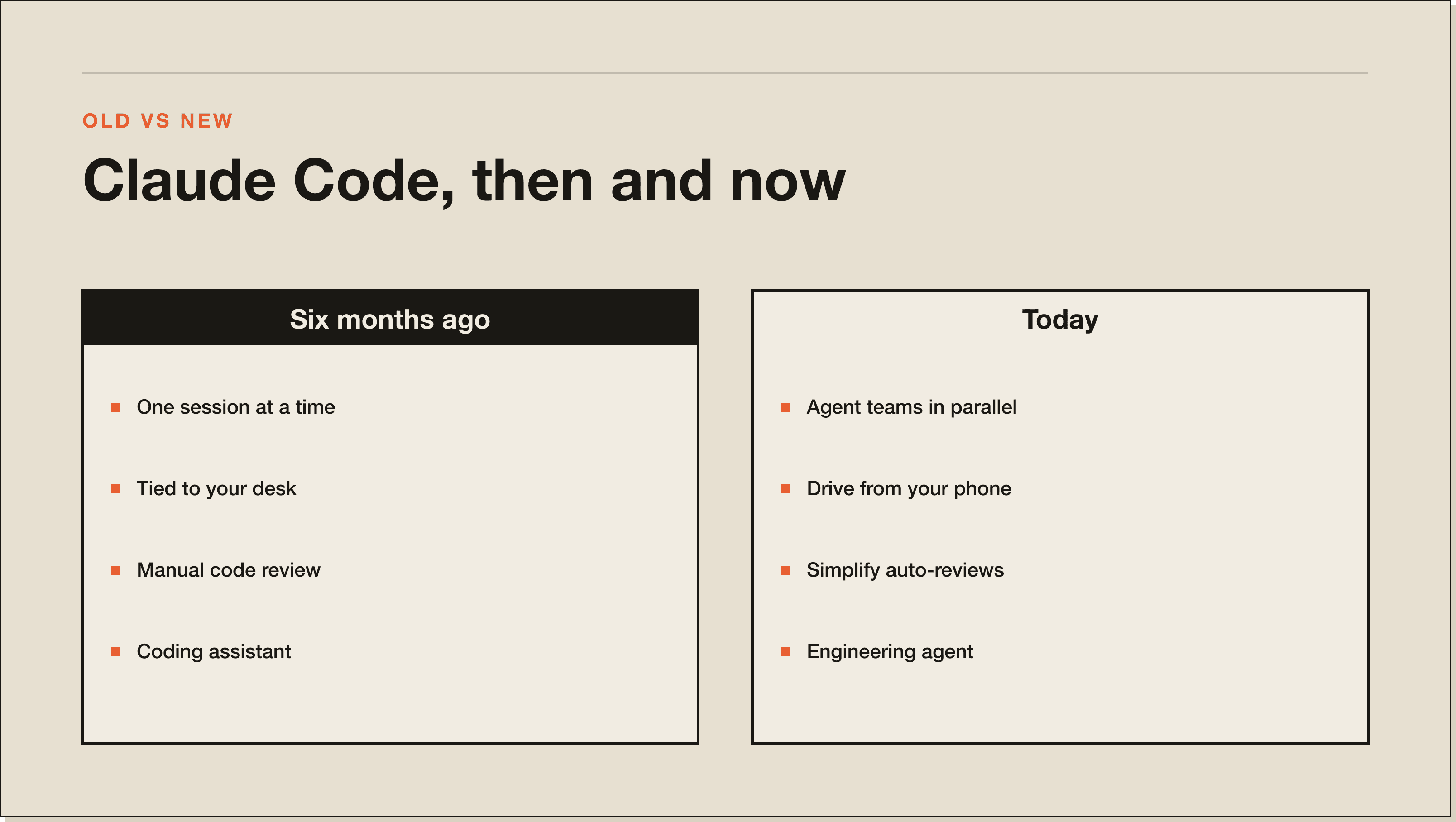
Claude Code is the difference between asking an AI to write code and giving an AI the keys to your machine so it can ship code itself. The new features turn a coding assistant into an engineering agent that runs autonomously, in parallel, on a schedule, and from your phone.
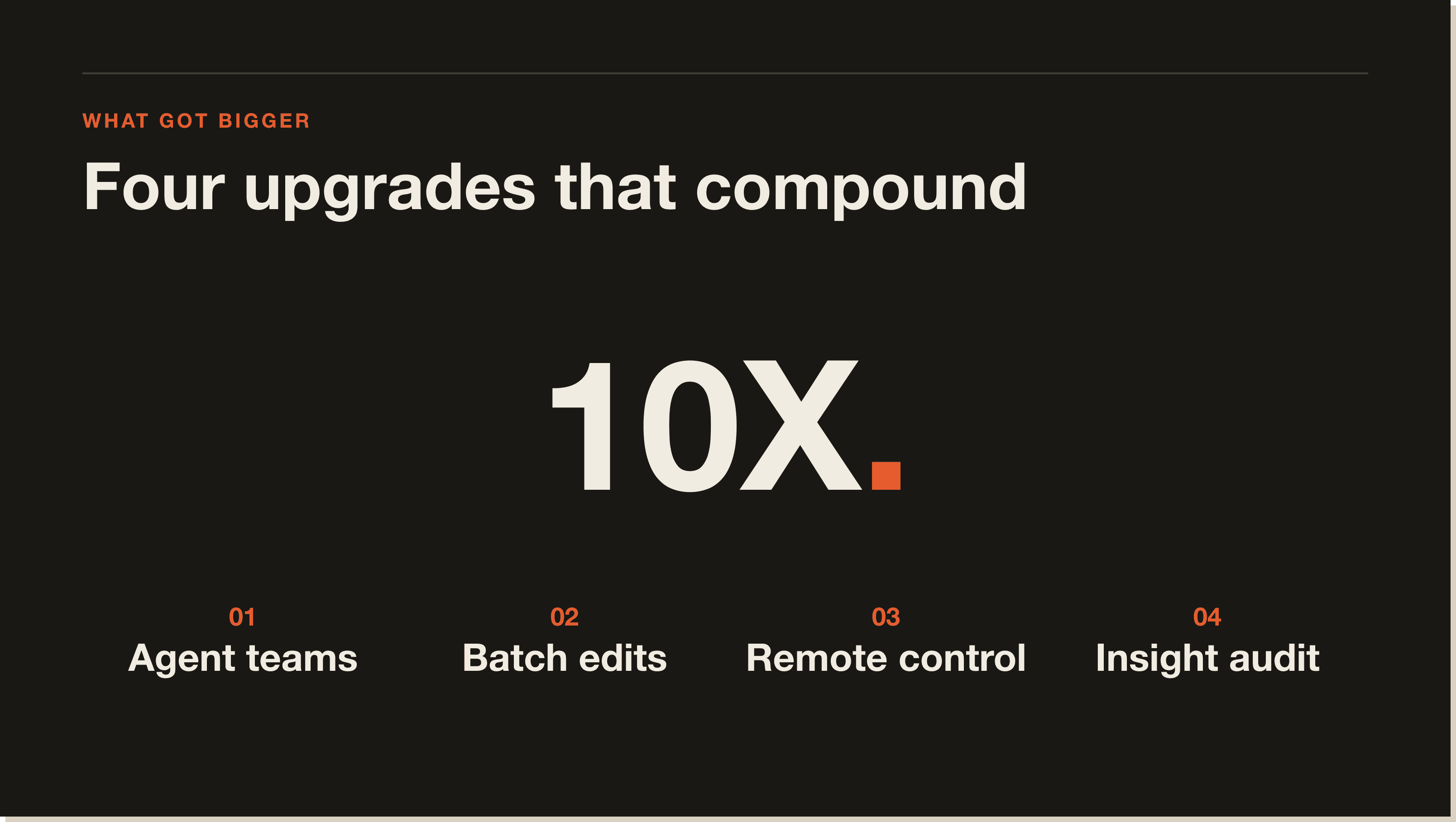
The short list of what's new in Claude Code: an insights report that audits your last 30 days of sessions, an effort command for controlling reasoning depth, remote control so you can drive sessions from your phone, batch for parallel multi-file edits, simplify for automated code review, loop for cron-style scheduled prompts, escape-twice rewind, hooks for pre and post tool actions, the BTW side-question command, and agent teams (the big one) where multiple full Claude Code instances work in parallel with their own context windows.
Here's how each of the 10 features actually works in practice.
Type /insight into Claude Code and it generates a report analyzing the last 30 days of your sessions. It pulls a URL after about 30 seconds to a minute. Open it in the browser and you get a personalised audit of your own usage. Where you're duplicating yourself. What skills you should install. What custom subagents would save you time. The exact prompts to feed back into Claude Code to install them.
As the report puts it: "what's working, what's hindering you, quick wins to try, and ambitious workflows you should strive to implement yourself." Mine flagged that I write 90% markdown content and repeatedly catch AI-slop patterns after review. Its fix: install a hook that runs an auto-scan after every piece of content I generate. That's the kind of recommendation you don't get from a tutorial.
When I shared this with people who'd never heard of /insight, they were genuinely shocked at the recommendations. If you do nothing else from this list, run /insight today.
Type /effort and you get five levels: low, medium, high, max, and auto. Default is medium. Crank it to max for a final review of a project you're about to deploy or any problem that needs deep reasoning. Drop it to low for tiny edits where you're burning tokens for no reason.
If you're on the API, this is your single biggest lever for cost. Effort directly controls how many tokens Claude Code burns per task. If you're on a Claude Max subscription, you're not paying per token, so just leave it on auto or max. Either way, this is something you can't do in the Claude desktop app, which is one of the reasons Claude Code has the edge for serious work.
This one just dropped. Type /remote-control inside an active Claude Code session and it gives you a URL. Open it on your phone, log in, and you're inside the same session that's running on your laptop. You can keep working from a taxi, a train, an airport queue, anywhere. It only works if you're connected with a Claude subscription (not the API key) and you're on the latest Claude Code version. If you don't see the command, update.
This changes Claude Code from a desk tool to an always-on agent. Spin up a long task before you leave, check progress on the train, redirect from the bus. The mobile app shows the same interactive session, the same tool calls, the same approvals.
/batch is for large-scale changes across many files at once. Developer use case: connect your repo to a GitHub remote, ask Claude Code to add error handling to all your Python scripts, and it spins up parallel agents that each generate a pull request for the files they touch. You review and merge. Content use case: I asked it to write a LinkedIn post for each of the 14 lessons in my Claude Code course. It entered plan mode, read all 14 lessons in parallel, and built the content plan.
Worth knowing: even with /batch, Claude decides whether to actually run things in parallel. For a stack of plain text files it'll usually default to sequential because there's no win in spinning up parallel agents. But if you're working with worktrees and a code base on GitHub, it'll fan out to genuine parallel edits.
/simplify spins up three review agents at once: one checks code duplication, one checks code quality and bugs, one checks efficiency. They run simultaneously and apply fixes automatically. I ran it on my sponsored post manager app after two sessions of work. It found inconsistent colours, missing error handling, a stack of duplication, and efficiency issues, then patched them while I sat there.
Pair it with shift-tab to flip on accept-edits mode and you don't have to approve every change one by one. I didn't have to lift a finger. The three agents finished, dropped their edits in, and the app got cleaner without me touching it.
/loop runs a prompt or a slash command on a recurring interval. Type /loop, set the interval (every three hours, every day, every Monday), and give it a prompt. For example: every three hours, check my inbox for urgent messages that need responding to. Hook your inbox up to Claude Code via an MCP server and you've got a mini cron job inside your terminal.
Caveat: the loop stops when you close the session. So this isn't a replacement for a real n8n workflow or a deployed agent on a VPS. But for a quick reminder to commit your work every hour, or a ping when something specific lands in your inbox, it's lightweight and useful.
Press escape twice and Claude Code drops you into rewind mode. You see every prompt in the session and you can restore the code and the conversation to the state before any of them. If Claude Code just modified 11 files and you don't like the result, escape-escape, click the prompt before that change, and the edits unwind.
This is the feature you reach for when you tell Claude Code to refactor and it goes off-piste. Press escape to exit rewind. Most people don't know it exists.
Hooks are actions Claude Code runs before or after a tool call. Think of them as automatic rules. A few real uses:
You can find your hook configurations inside Claude Code settings. This is where the harness stops being a chat box and starts being a programmable runtime.
/BTW lets you ask a quick side question without interrupting the work Claude Code is already doing. Classic example: type /BTW context and it tells you how much context window you've got left in the session. Or ask why Claude chose a specific approach to a problem mid-task. The query doesn't eat into your main session's context, but it does have access to the context of that session, so the answer is grounded in what you're actually working on.
Small command, real problem solved. When Claude Code is hammering away on a 10 to 20 minute task and you've got a question, /BTW lets you ask in place instead of opening another terminal.
This is the juicy one. I wrote an article about Claude Code agent teams a few weeks ago and it pulled over a million views on X. Agent teams let you spin up multiple full Claude Code sessions in parallel, each with its own context window and workspace, all coordinated by a lead agent.
Subagents already existed. They're focused, lightweight workers spawned inside your main session that run a single task and report back. Think of a subagent as sending an assistant to fetch an answer. Agent teams are different. Each teammate is a fully independent Claude Code session with its own context window. The lead agent breaks the task into pieces, dispatches each piece to a teammate, manages a shared task list, and stitches the output together. You can jump in and message any teammate directly to redirect them.
As I put it in the video: "It's like moving from being a freelancer doing everything solo to a project manager who shows up with a full crew and delegates across all of them."
Add the agent teams flag to your Claude Code config (a single JSON snippet in your env file) and restart with /exit. Easiest path: ask Claude Code itself to enable agent teams and paste in the JSON. To test it, give it a multi-role task: "team of agents reviewing my course curriculum, one is a skeptical student, one is a curriculum designer, one is a judge." Three agents spin up in parallel, each running its own Claude Code instance, and the lead compiles all three reviews into a single report.
Heads up: agent teams burn considerably more tokens than a single session. It's like having three or four Claude Code sessions open at once, because that's what it is. Use it for genuinely parallelisable work (multi-perspective review, large refactors, content pipelines with distinct roles) and stick with sequential prompts for the simple stuff.
None of this comes for free. Three things to know before you crank every dial to max.
First, costs scale fast. Effort on max plus agent teams plus loop in the background will hit Claude Max limits or burn API budget. Use /effort low for cheap work, reserve max for final review.
Second, dangerous-skip-permissions exists for a reason and it's also a footgun. Running Claude Code with --dangerously-skip-permissions bypasses every approval prompt. I only use it inside a virtual machine. There are real horror stories of Claude Code wiping someone's entire computer when given full permission. Don't run skip-permissions on your daily-driver laptop unless you understand the risk.
Third, /loop stops when you close the session. So it's a half-measure for true automation. If you want a process that runs whether your laptop is open or not, you still need n8n, a cron job on a VPS, or a deployed agent. Claude Code's loop is for in-session reminders, not production scheduling.
A few of these features (especially /remote-control) only work on the latest Claude Code version. To update Claude Code, run npm update -g @anthropic-ai/claude-code in your terminal. Restart any open sessions with /exit and reopen with claude. You can verify the version with claude --version.
If a slash command isn't showing up in your menu, the most common causes are: outdated CLI, you're authenticated with an API key when the feature requires a Claude subscription, or the feature flag isn't enabled in your settings file. Run /insight first. It often points at exactly which feature you're missing.
Yes. With these 10 features in play, Claude Code stops feeling like a coding assistant and starts feeling like an engineering teammate. Insights audits how you work, effort tunes the brain, remote control puts it in your pocket, batch and simplify run multi-file work hands-off, hooks turn it into a programmable runtime, and agent teams move you from one worker to a crew.
Who Claude Code is for: people building real software or automations who'll spend 30 minutes learning a few slash commands. Who it's not for: people who want a chat box. If you want a conversation, use the Claude desktop app. If you want a system that ships work, Claude Code is now the strongest agent on the market.
Official Anthropic Claude Code documentation covers every command in detail, and the Claude Code GitHub repo lists every release with the exact features that shipped. Both worth bookmarking if you want to track what's new in Claude Code as it ships.
For a worked example of how this kind of agent stack runs in production, the case study with Keven Elison walks through how he wired Claude Code, n8n, and MCP servers into a real B2B marketing operation. Same orchestration mindset, applied at scale.
Claude Code is Anthropic's terminal-based coding agent. Install via npm, point it at a folder, and it can read your code, run commands, edit files, push commits, and connect to MCP servers. Same Claude model as the desktop app, with tools, memory, hooks, and a permission system layered on top.
The latest Claude Code update introduces 10 standout features: /insight (30-day usage report), /effort (reasoning level control), /remote-control (drive sessions from your phone), /batch (parallel multi-file edits), /simplify (three-agent code review), /loop (cron-style scheduled prompts), escape-twice rewind, hooks (pre and post tool actions), /BTW (side questions), and agent teams (multiple parallel Claude Code instances coordinated by a lead).
Claude Code skills are scoped capabilities you load into a session. Each skill bundles a system prompt, tool permissions, and a reusable workflow. The /insight report often recommends specific skills based on the patterns it sees in your last 30 days. You install them by pasting the skill prompt into Claude Code, and from that point Claude can invoke the skill on demand.
Claude Code subagents are focused workers spawned inside your main session that run a single task and report back. They share your main context but execute their work in isolation. Subagents are lightweight and cheap on tokens. Agent teams are the heavier version: each teammate is a fully independent Claude Code session with its own context window, coordinated by a lead agent.
The Claude Code CLI is free to install. What costs money is the model behind it. You can connect Claude Code to a Claude Pro or Claude Max subscription (a flat monthly fee covers your usage up to the plan's limits) or to an Anthropic API key (pay per token). Claude Max is the best value if you're using Claude Code daily, because effort, agent teams, and loops can burn tokens fast on the API.
Run npm update -g @anthropic-ai/claude-code in your terminal, then restart any open sessions with /exit and reopen with claude. Verify the new version with claude --version. Several of the newest features only show up on the latest version, so update first if a slash command isn't appearing.
Claude Code MCP refers to Model Context Protocol servers that plug into Claude Code as tools. You can connect Claude Code to your inbox, your CRM, your project management board, your file system, anything that has an MCP server. Once connected, Claude Code can read and act on those services inside any session, which is what makes commands like /loop "check my inbox" actually work.
The Claude desktop app is a chat interface for the same model. Claude Code is the terminal harness with tools, memory, hooks, slash commands, MCP integration, agent teams, and direct file system access. If you want a conversation, use the desktop app. If you want a system that ships work, use Claude Code.
If this guide was useful, these go deeper on adjacent topics:
Primary sources referenced in this guide:
Knowing the features is half of it. Most people stall out because they open Claude Code, have no idea what to build, and close the terminal again. The 30-Day Claude Code Challenge fixes that. You start by building something concrete inside Claude Code itself. There are four live calls where I go through your builds and unblock anything that's stuck, and by the end you have a deployed agent with a real URL running on a real schedule.
Not ready for the challenge? Grab the free Claude Code Blueprint first. It's the foundation every Claude Code workflow on this page sits on top of, and it'll take you from terminal-curious to first-build in 60 minutes.
Insights (/insight, a 30-day usage audit), effort (/effort, five reasoning levels), remote control (/remote-control, drive sessions from your phone), batch (/batch, parallel multi-file edits), simplify (/simplify, three review agents at once), loop (/loop, cron-style scheduled prompts), escape-twice rewind, hooks (pre and post tool actions), /BTW for side questions, and agent teams. Agent teams is the big one. Multiple full Claude Code instances running in parallel, coordinated by a lead agent.
Run npm update -g @anthropic-ai/claude-code in your terminal, then restart open sessions with /exit and reopen with claude. Verify the version with claude --version. Several of the newest features (especially /remote-control) only appear on the latest version. If a slash command is missing from your menu, the cause is usually an outdated CLI, an API key where a Claude subscription is required, or a feature flag that is not enabled.
Yes, if you use them for everything. Agent teams burn considerably more tokens than a single session because each teammate is a fully independent Claude Code session with its own context window. Reserve them for genuinely parallelisable work like multi-perspective review, large refactors, or content pipelines with distinct roles. Use sequential prompts for the simple stuff. On the API, /effort low for cheap work and max for final review is the single biggest cost lever.
Not on your main machine. The flag exists for a reason and it is also a footgun. There are real horror stories of Claude Code wiping someone's entire computer when given full permission. I only run it inside a virtual machine. If you are running it on your daily-driver laptop without understanding the risk, stop.
No. /loop stops the moment you close the Claude Code session, so it is a half-measure for true automation. Use it for in-session reminders, like a ping when something specific lands in your inbox, or a commit-your-work nudge every hour. For anything that has to run whether your laptop is open or not, you still need n8n, a cron job on a VPS, or a deployed agent.
People building real software or automations who will spend 30 minutes learning a few slash commands. With these 10 features in play, Claude Code stops feeling like a coding assistant and starts feeling like an engineering teammate. If you want a conversation, use the Claude desktop app. If you want a system that ships work, Claude Code is the strongest agent on the market right now.
Five interactive lessons. Install Claude Code, build your first automation, and deploy it live on the internet — all in under an hour. Free, no coding required.
Grab the Blueprint →