← Back to Blog
10 Real Claude Cowork Use Cases That Save You Hours.
10 real Claude Cowork use cases pulled from actual demos, with the numbers. Receipts, file cleanup, inbox triage, reports, and scheduled work.
10 real Claude Cowork use cases pulled from actual demos, with the numbers. Receipts, file cleanup, inbox triage, reports, and scheduled work.
The best Claude Cowork use cases are the repeatable file, document, and email jobs that eat your week but need no real skill. Cowork works on your local files and delivers a finished result, so the wins show up fastest on the boring, high-volume stuff you keep putting off.
These are not hypothetical ideas. Every example below is a real run from a named creator, with the numbers they reported.
I'm Tom. I teach operators to build with Claude, and I pulled these from the launch-month demos by Jeff Su, Tina Huang, Paul Lipsky, and Brock Mesarich.
Cowork is good for work that is high effort and low complexity. Sorting files, extracting data, drafting from a template, running the same report every Monday.
It is not built for deep coding or anything touching a CRM it cannot connect to yet. Keep that line in mind as you read the list.
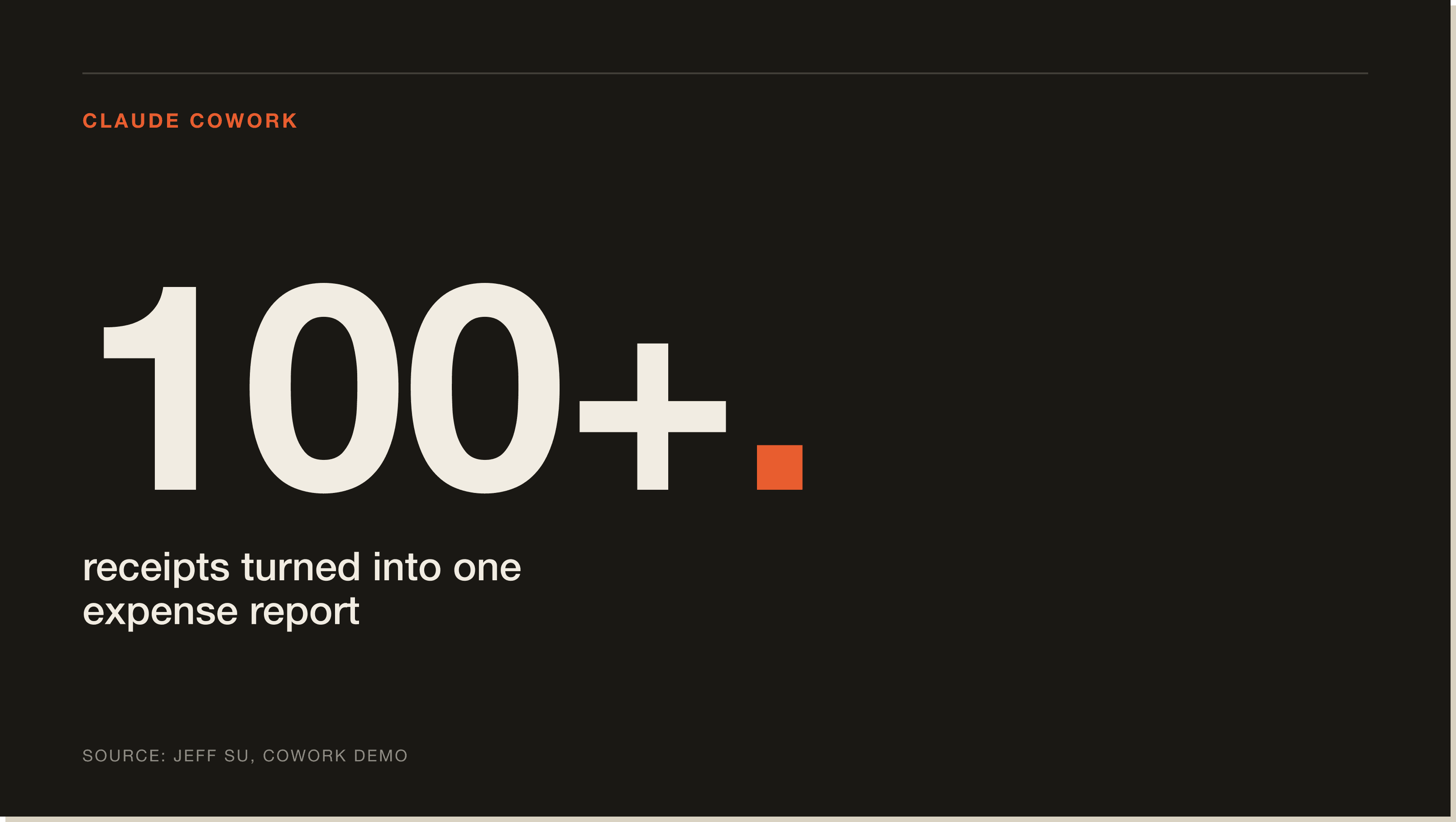
Jeff Su dropped over 100 receipts, a mix of PDFs and phone photos, into a folder. Cowork extracted the date, vendor, category, and amount from each one and built a formatted Excel file, flagging blurry receipts as "verify."
That task is impossible in Claude Chat, which caps you at 20 files. This is the single clearest reason to use Cowork over Chat.
Tina Huang pointed Cowork at a desktop holding 376 files and had it propose and build a clean folder structure. It even spotted an API key sitting exposed in a text file and flagged it.
In a separate run, Cowork sorted 186 chaotic downloads into 11 subfolders and detected 27 duplicates by hashing the files. The kind of cleanup you never get around to, done in one prompt.
Tina fed Cowork 24 months of credit card statements as CSV exports and got back an interactive spending dashboard. It surfaced over 4,000 dollars in active subscriptions and flagged the fees and interest she was paying.
This is the second job Chat physically cannot do. Twenty four documents is past its limit.
Jeff Su set a 6am scheduled task that reads his inbox and produces a report plus draft replies before he wakes up. He is honest that it took "the first week or so" of corrections before it ran clean.
Brock Mesarich runs a 7am morning briefing instead, a dashboard of his calendar, urgent emails, AI news, and top priorities for the day.
Paul Lipsky had Cowork read two weeks of his Gmail to build a brand-voice file and a list of frequent contacts. Then it drafted replies directly inside Gmail, not as text in the chat for him to copy.
That last detail is the difference. The reply lands where you actually send from.
Jeff Su had Cowork split a 400-plus megabyte PDF into one file per chapter, each with a descriptive name. In a DataCamp demo, Cowork converted 21 Word docs to PDF, compressed 40 PDFs to save 63 megabytes, and converted 35 images to PNG.
This is the work that used to mean bouncing between three different websites. Now it is one prompt.
Tina Huang gave Cowork screenshots of her logo and website and had it generate a brand book as a PDF. Then she turned that into a reusable "apply brand" skill, so every future deliverable comes out on-brand by default.
The skill is the leverage. Build the brand reference once, apply it forever.
Jeff Su had Cowork compare a meeting transcript stored in Google Drive against his Notion meeting notes. It surfaced the commitments that got made in the meeting but never made it into the written notes.
This is the kind of synthesis across two tools that is tedious by hand and easy to forget.
Brock Mesarich built a scheduled task that runs daily at 11am, scrapes his YouTube competitors, and updates a dashboard. He set it up once and it keeps feeding him fresh data.
Any recurring research job fits this shape. Define the cadence, point it at the source, let it run.
On launch day, No Code MBA described his business to Cowork and had it research the web, then build a Q1 growth plan with lead magnets and an email sequence, a mockup landing page in HTML, and a PDF lead magnet. All saved into the folder as finished files.
It is not perfect first-pass work. But it is a fast, editable starting draft instead of a blank page.
Start with the high-volume file jobs in points 1, 2, and 6. They prove the value in minutes and carry no real risk.
Hold off on anything high stakes until you trust it, because Cowork still invents the occasional number. No Code MBA caught it reporting 25,000 subscribers when the real figure was 36,000. Use it on the boring work first, keep human review on the important work.
Organizing a messy folder or building an expense report from receipts. Both are low risk, high volume, and impossible to mess up badly, so they prove the value fast.
Yes. It can run a scheduled inbox triage, summarize your inbox, and draft replies directly inside Gmail using a brand-voice file it builds from your past emails. It needs the Gmail connector and your computer on for scheduled runs.
Yes. Creators have built spending dashboards from 24 months of statements, expense reports from 100-plus receipts, and competitor research dashboards on a daily schedule. It outputs finished spreadsheets, PDFs, and HTML dashboards.
Yes. It is aimed at people whose work is time-consuming but not technically complex, and it requires no coding. The only real skill is setting up folders and writing clear outcome-first prompts.
It cannot connect to CRMs like Salesforce or HubSpot, its browser extension is slow and unreliable, and it occasionally invents numbers. Keep it on file and document work and review high-stakes output.
Every use case above is a system you could install once and reuse for months. If you want the fastest path to building your own, grab the free Claude Code Blueprint, then join the 30-day challenge and build real systems alongside other operators.
Five interactive lessons. Install Claude Code, build your first automation, and deploy it live on the internet — all in under an hour. Free, no coding required.
Grab the Blueprint →