← Back to Blog
What Is Claude Cowork? The AI That Does Your Work For You.
Claude Cowork is Anthropic's desktop AI that does the work for you. What it is, how it works, what people build with it, and where it falls short.
Claude Cowork is Anthropic's desktop AI that does the work for you. What it is, how it works, what people build with it, and where it falls short.
Claude Cowork is Anthropic's desktop AI that completes whole tasks for you instead of handing back instructions. You give it a goal, it works across your local files and apps, and it returns a finished deliverable. Anthropic's own line is blunt: "Give it a goal and Claude works on your computer, local files, and applications to return a finished deliverable."
This is not a coworking app or an office booking tool. Cowork is a mode inside the Claude desktop app, sitting next to Chat and Code.
I'm Tom. I teach operators to build with Claude, and I went through every major Cowork walkthrough from launch month, the ones from Jeff Su, Tina Huang, and Paul Lipsky included, to separate what actually works from launch hype. Here is the honest version.
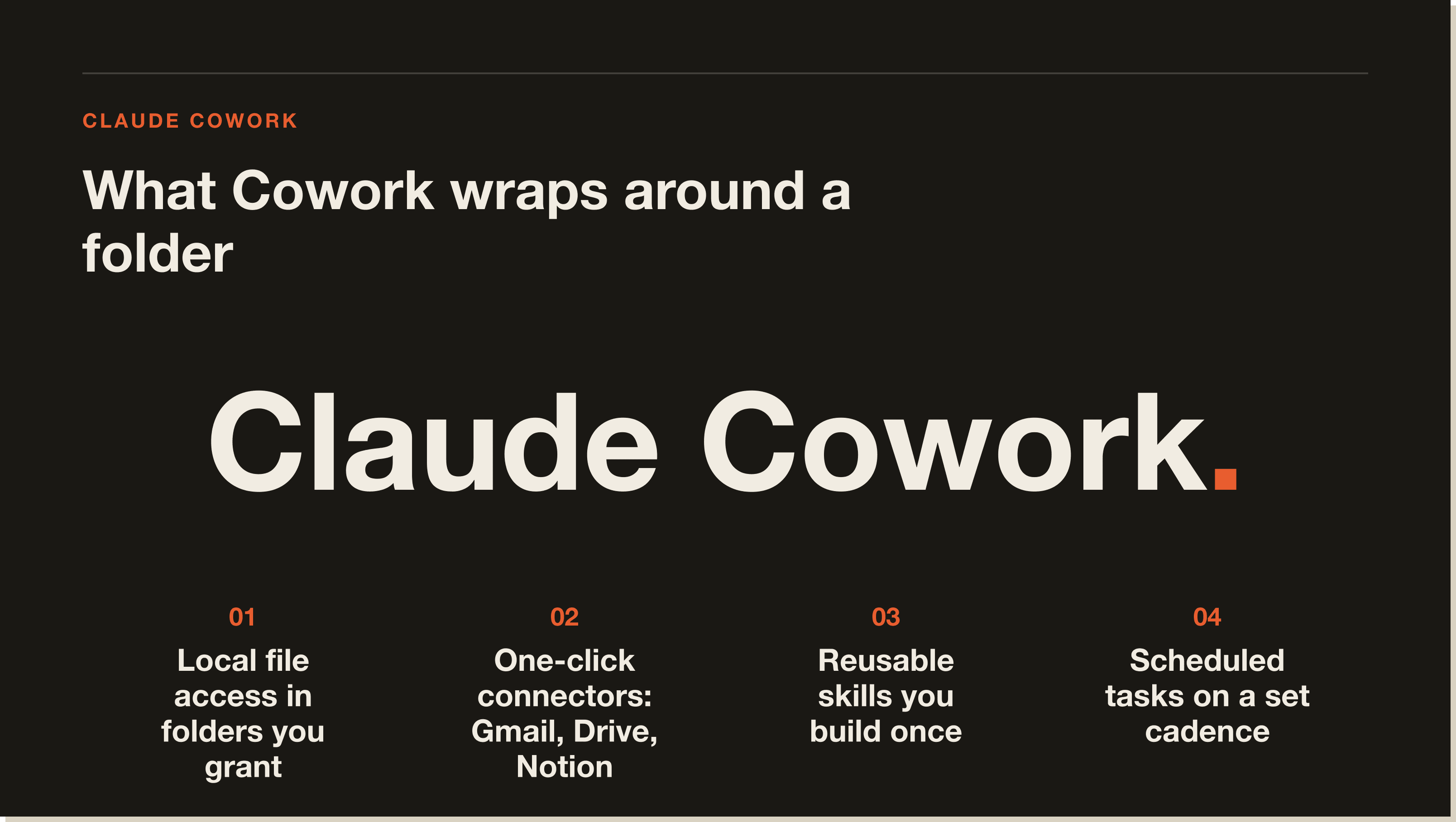
Claude Cowork is a local AI agent that lives inside the Claude desktop app and does work on your actual computer. It reads, edits, and creates files in folders you choose. It plans a task, executes it step by step, and asks before anything significant happens.
Tina Huang puts the category simply. "A local AI agent is an AI that lives on your actual computer that can autonomously do things with your files, your apps, and your tools."
The difference from Claude Chat is the part that matters. Chat gives you text to copy and paste. Cowork gives you the finished file.
Cowork is built for anyone whose workday is full of tasks that eat time but need no special skill. Anthropic names researchers, analysts, operations teams, finance teams, and legal professionals as the core users.
The common thread is documents, data, and files. If your week involves sorting them, pulling numbers out of them, or turning them into reports, Cowork is aimed squarely at you.
It is not built for developers shipping software. That is what Claude Code is for, and the two split cleanly along that line.
You describe an outcome, Cowork makes a plan, and it works through that plan while looping you in. Most creators converge on the same setup, so the mechanics are predictable once you see them once.
Cowork is a tab in the Claude desktop app on Mac and Windows. There is no web or mobile version that runs the work itself, though you can fire off a task from your phone and let the desktop finish it.
You point Cowork at a folder and grant access. Everyone who teaches it repeats the same rule. Make one dedicated parent folder so the rest of your machine stays untouched, then grant access to that.
Skills are reusable instruction sets saved as markdown. The reliable way to build one, per Jeff Su and Paul Lipsky, is to do the task manually with Claude first, then tell Cowork to turn that workflow into a skill.
Plugins bundle skills and connectors together. Anthropic ships free ones for Productivity, Customer Support, and Finance. Projects wrap a folder with its own instructions, memory, and connections, so each area of your work stays separate.
Cowork can run tasks on a cadence. A 6am inbox triage, a weekly Slack digest, a daily metrics pull. You define the schedule once and it repeats.
There is a catch worth knowing before you rely on it. Paul Lipsky found that "in order for scheduled tasks to actually work, your computer needs to be on and Cowork needs to be open." He runs a second computer just for this.
The demos are where Cowork stops sounding abstract. These are real runs from named creators, not my numbers.
Jeff Su dropped over 100 receipts, a mix of PDFs and photos, into a folder and had Cowork extract every date, vendor, and amount into a formatted Excel file, flagging the blurry ones for review. That task is impossible in Claude Chat, which caps you at 20 files.
Tina Huang pointed it at a desktop with 376 files and had it propose a clean folder structure. It also spotted an API key sitting exposed in a text file on her desktop. She then fed it 24 months of credit card statements and got an interactive spending dashboard that surfaced over 4,000 dollars in active subscriptions.
Paul Lipsky had it read two weeks of Gmail to build a mini contact list and a brand-voice file, then draft replies directly inside Gmail rather than in the chat. He went further and built what he calls a "Cowork OS," a folder hierarchy where each project area has its own instructions and memory file.
Tina Huang built an investment "mission control" dashboard that tracks her positions, researches opportunities, and sends a daily digest matched to her stated investing rules. Brock Mesarich runs a 7am morning briefing that pulls his calendar, urgent emails, and top priorities into one dashboard before he sits down.
The pattern across all of them is the same. The value is in the setup, not the one-off prompt.
Chat is for conversation and analysis. Code is for building software in a terminal with access to your whole machine. Cowork is for everyday knowledge work in selected folders, with approval gates.
Brock Mesarich draws the cleanest line. "Cowork is basically your assistant, whereas Claude Code is your entire engineer." The technical version is that Cowork runs in a sandbox limited to the folders you grant, while Claude Code can touch your entire computer.
I broke the full comparison down in Claude Cowork vs Claude Code. If you already live in the terminal, also read how to use Claude Code.
Cowork is a research preview, and it shows in a few places. This is the part the hype videos skip.
The browser extension is the weak point. Jeff Su was direct: "I simply can't recommend the extension right now. It's slow, it's unreliable, and it burns through your usage because it overthinks every step."
It also still invents the occasional number. No Code MBA caught it reporting a subscriber count of 25,000 when the real figure was 36,000. Human review stays mandatory for anything high stakes. Linux is unsupported, and EU data residency is Enterprise only as of May 2026.
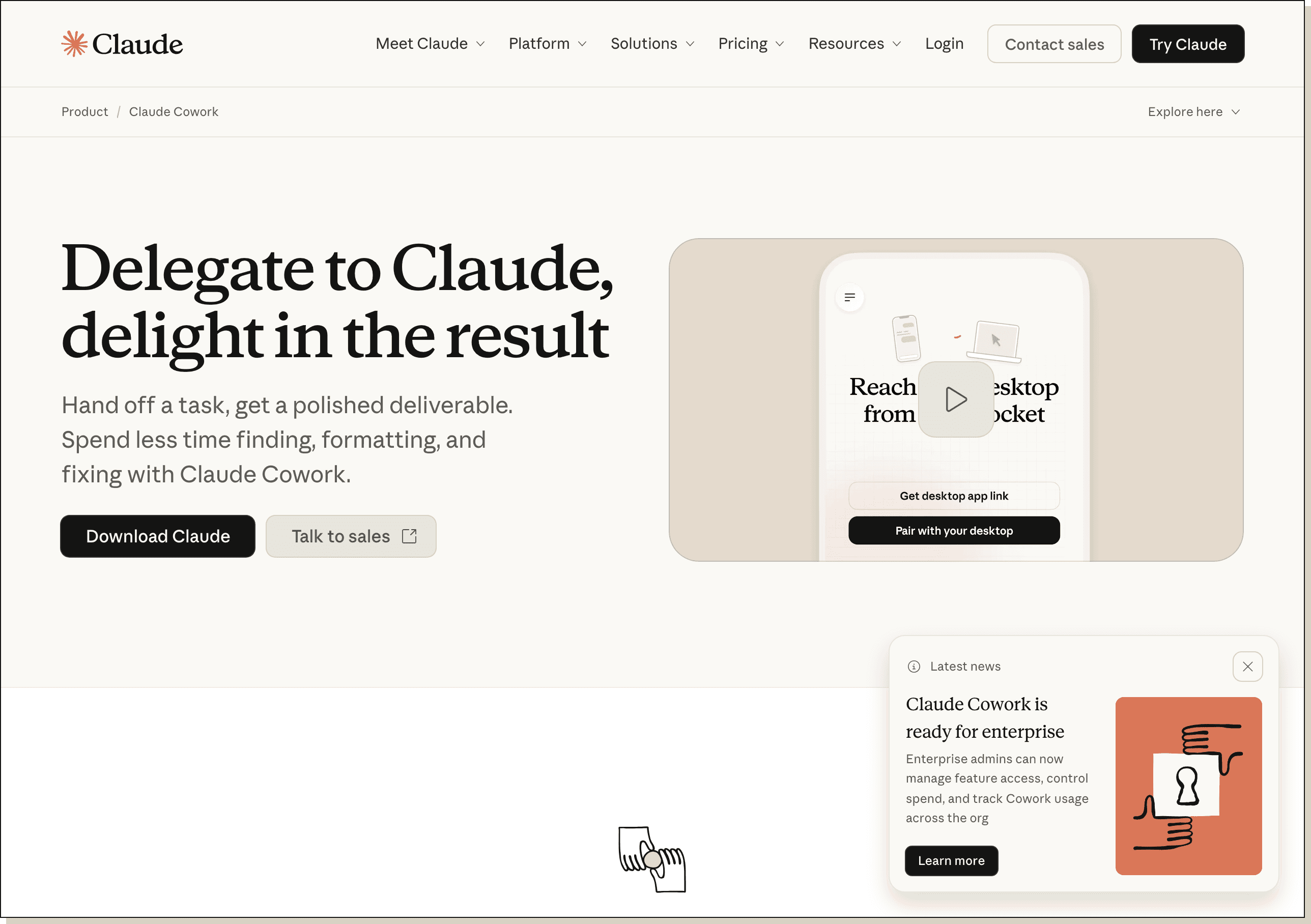
Cowork ships inside the Claude desktop app and is available on all paid plans, per Anthropic. That means Pro at 20 dollars a month, Team at 25 dollars per seat, or Enterprise with custom pricing. There is no separate Cowork subscription.
It launched as a research preview for Max subscribers, then widened to the lower tiers. Power users on heavy daily tasks will feel the usage limits faster, especially when running the slower, more meticulous Opus model.
Yes, if your day is full of repeatable file and document work and you are willing to spend an hour on setup. The operators getting real value treat it like an assistant they onboard, not a chatbot they query.
No, if you want it to run unattended on a laptop you close at night, or you need it to touch a CRM like Salesforce or HubSpot, which it does not connect to yet. Jeff Su has made AI videos for three years and said he has "never felt this way about a single tool." That enthusiasm is real. So is the setup tax.
No. Cowork is included on Anthropic's paid plans, starting with Claude Pro at 20 dollars a month. There is no free standalone version, though you do not pay extra for Cowork on top of your plan.
No. Cowork is a sandboxed assistant for knowledge work in selected folders. Claude Code is a developer tool with full access to your machine and terminal. They share a CLAUDE.md file and can work on the same folder.
It organizes files, extracts data from receipts and statements, builds spreadsheets and reports, drafts emails inside Gmail, and runs scheduled tasks like a daily inbox triage. It works on your local files and returns finished deliverables.
Yes. Cowork runs on both Mac and Windows through the Claude desktop app. Linux is not supported as of May 2026.
It only accesses folders you explicitly grant, and it asks before significant actions like deleting or overwriting. Best practice is to point it at one dedicated folder, not your whole drive, and keep human review on important outputs.
Cowork has a connector marketplace covering Gmail, Google Calendar, Google Drive, Notion, and more. It does not yet connect to CRMs like Salesforce or HubSpot, or to ecommerce platforms. For unsupported apps, some users bridge them through a Zapier MCP connector.
You can send a task from your phone and have Claude continue it on your desktop, but the work itself runs on the desktop app. There is no mobile version that executes tasks on its own, so your computer needs to be on for anything to run.
Cowork is one piece of a bigger shift: operators who build their own tools instead of waiting for software to catch up. If you want the fastest path in, start with the free Claude Code Blueprint, then join the 30-day challenge to install real systems in your business.
Five interactive lessons. Install Claude Code, build your first automation, and deploy it live on the internet — all in under an hour. Free, no coding required.
Grab the Blueprint →