← Back to Blog
Claude Code Memory: CLAUDE.md, Auto Memory, and Path Rules.
How Claude Code remembers things between sessions. The four CLAUDE.md scopes, Auto Memory (v2.1.59+), and path-specific rules.
How Claude Code remembers things between sessions. The four CLAUDE.md scopes, Auto Memory (v2.1.59+), and path-specific rules.
Claude Code remembers things between sessions by reading plain markdown files called CLAUDE.md every time it starts a new conversation. There is no hidden database, no embedding layer, no vector store. It is text on disk, loaded into the system prompt, scoped by four predictable rules.
I'm Tom. I run 37 CLAUDE.md files across 14 active projects, and I have been shipping with Claude Code since the public preview. Most of the teams I mentor are getting one of the four scopes wrong, and it is the single biggest reason their agent feels forgetful.
Claude Code memory is the persistent context that survives between sessions. When you close your terminal and reopen it the next morning, Claude does not remember your previous chat. It remembers the markdown files that describe your project, your style, your stack, your rules.
That distinction matters. Memory in Claude Code is not conversational state. It is project knowledge you author once and reuse forever.
People searching for the Claude Code memory tool, the Claude Code memory plugin, or the Claude Code memory command are usually looking for the same underlying thing: how to make Claude remember stuff. The answer in every case is CLAUDE.md plus the four scopes below. There is no separate plugin to install, no special mode to enable. Memory ships in the box.
The mechanism is boring on purpose. At the start of every session, Claude Code walks up from your current directory looking for files named CLAUDE.md. It also reads a user-level file at ~/.claude/CLAUDE.md, and a managed policy file if your org admin pushed one. The contents get stitched into the system prompt before your first message lands.
That means every rule you write in CLAUDE.md is enforced on every prompt, in every session, without you ever quoting it again. Write it once. It applies forever.
The flip side is that Claude has zero recall of what you actually said yesterday. If you want a decision to persist, it goes into CLAUDE.md. If you want a fact to persist, it goes into a doc Claude can read. The session log is throwaway. The markdown is forever.
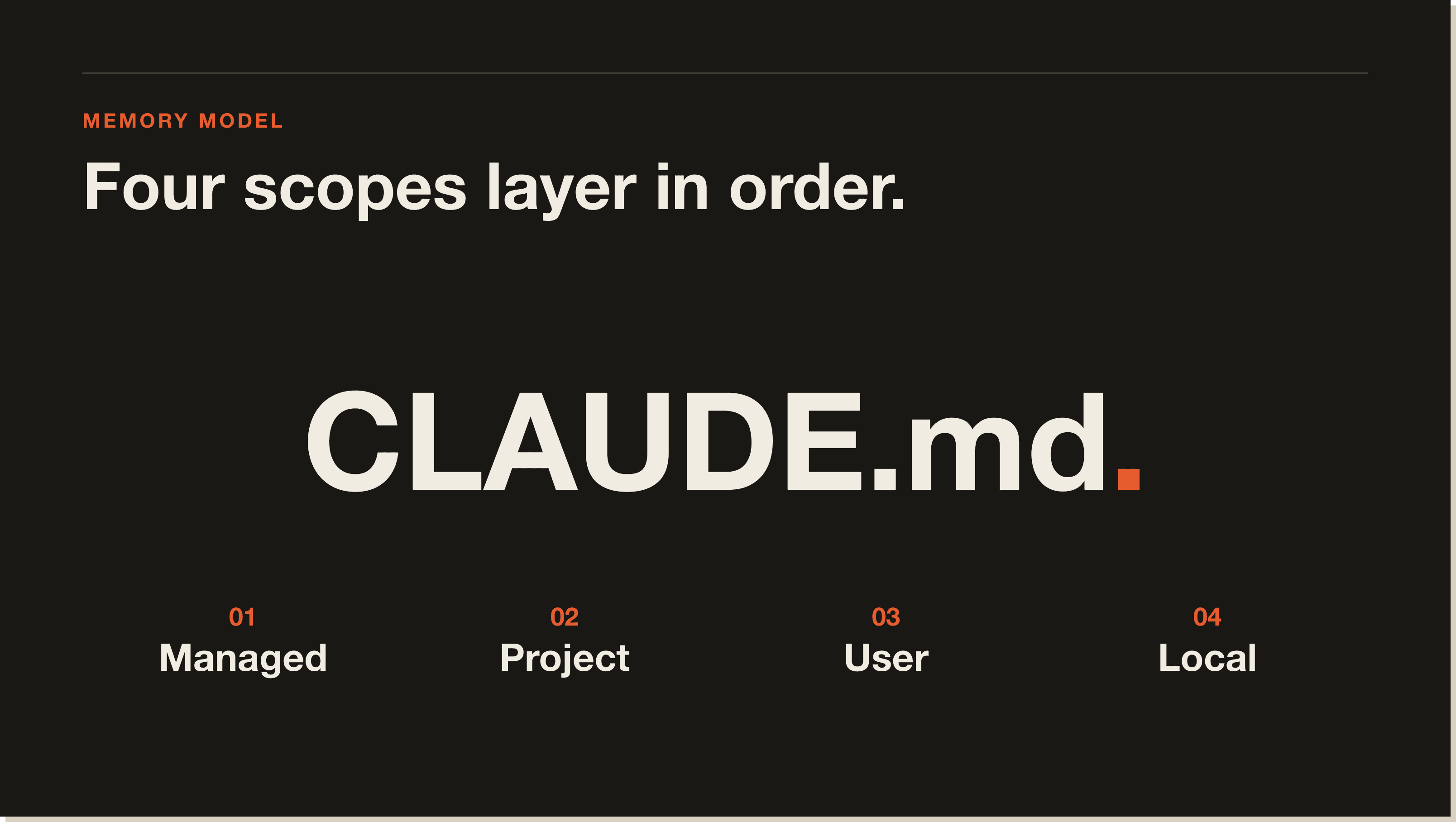
Most teams I audit are only using one scope. Anthropic ships four, and they layer in a predictable order from most general to most specific.
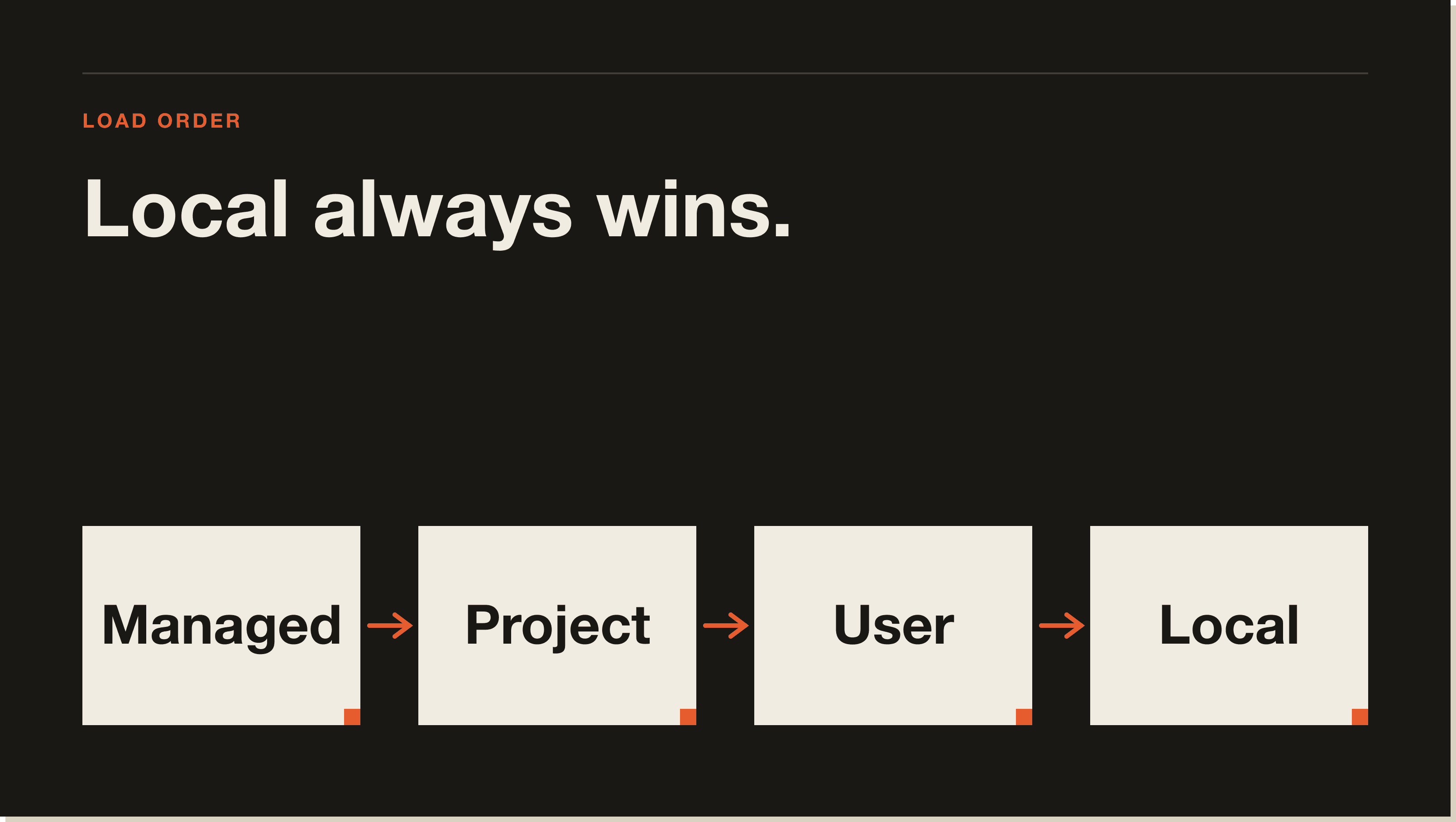
Managed policy lives at /Library/Application Support/ClaudeCode/managed-settings.json on macOS, or the equivalent path on Windows and Linux. This is the org-level scope, and only an IT admin can push to it. Use it when you need to lock in security rules across an entire company, like "never run destructive shell commands" or "always require approval before pushing to main".
Project scope is the file at the root of your repo, just called CLAUDE.md, checked into git. Every developer who clones the repo gets the same context. This is where the project's mission, the stack, the conventions, and the non-negotiable style rules live. If your team is bigger than one person, this file is the most valuable artifact in your repo.
User scope lives at ~/.claude/CLAUDE.md and follows you across every project on your machine. Mine has my preferred languages, my refusal to use semicolons in copy, the fact I am UK-based, and the way I want commit messages written. None of that belongs in a team repo. All of it belongs in my user file.
Local scope is .claude/CLAUDE.md.local, sat inside the repo but gitignored. This is the per-developer override. Use it for personal preferences that only apply to your work on this specific project. A common pattern is pointing Claude at your own scratch folder, or overriding the project default model from Sonnet 4.6 to Opus 4.7 for harder sessions.
The layering matters. Managed loads first, then project, then user, then local. A rule in your local file wins over a rule in the project file, which wins over your user file. Most teams I review have the priority backwards, which is why their style rules keep getting ignored.
There is also a Claude Code memory shortcut worth knowing. Typing # at the start of a prompt opens the memory editor inline, so you can append a rule mid-session without leaving the terminal. It is the fastest way to capture a decision the moment you make it. Most of my own CLAUDE.md entries started life as a hashtag prompt at 11pm during a hard debug.
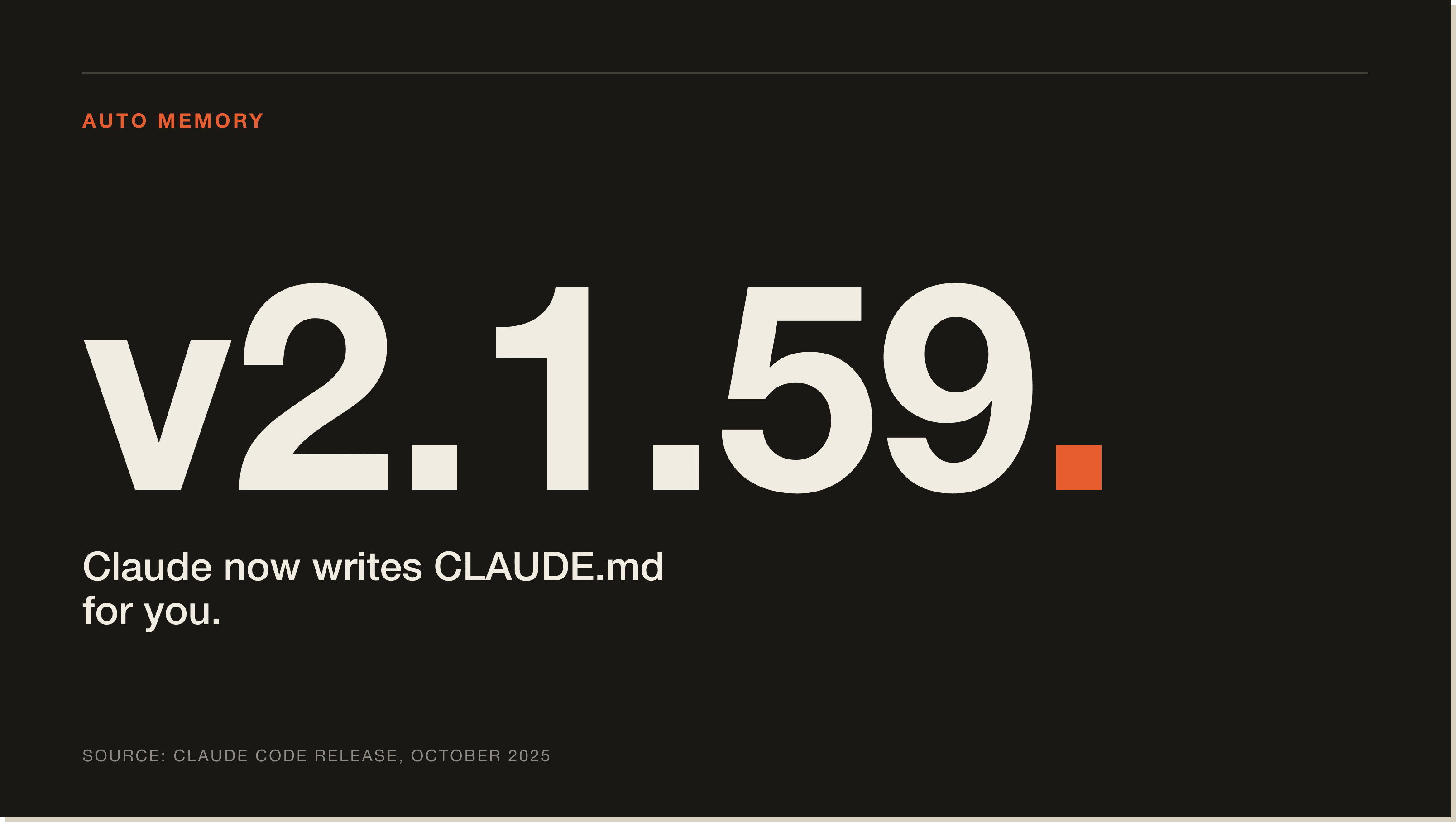
Auto Memory shipped in Claude Code v2.1.59 in October 2025, and it changed the workflow in a quiet but important way. Before v2.1.59, every line in CLAUDE.md had to be authored by hand. You noticed a pattern, you opened the file, you wrote the rule.
After v2.1.59, Claude proposes additions for you. When it notices a recurring instruction in your session ("always run prettier before committing", "this project uses pnpm not npm"), it suggests appending it to your CLAUDE.md, scoped to whichever level makes sense. You approve, reject, or edit the proposal inline.
The reason this matters is friction. The hardest part of memory is remembering to write things down. Auto Memory turns that into a one-keystroke confirmation, so the file actually grows with your project instead of going stale by week three. I leave it on for every project. Read the official Anthropic memory documentation if you want the full surface area.
One nuance from the field. Auto Memory is good at capturing rules, less good at deciding scope. By default it tends to propose project-level additions, which means your team repo can quietly fill up with your personal preferences. I now scan the proposals for anything that should really live in ~/.claude/CLAUDE.md instead, and reroute on approval. Thirty seconds of triage saves a quarterly cleanup.
This is the feature most teams I mentor have never opened. Inside any repo, you can drop markdown files into .claude/rules/, and each one accepts a paths: field in its frontmatter that scopes the rule to certain files or folders. Claude only loads the rule when the active file matches the glob.
In a monorepo this is the difference between a 400-line CLAUDE.md that contradicts itself and four 80-line rule files that load on demand. Concrete example. I have a project with a Next.js frontend in apps/web and a Python backend in services/api. The frontend rule file has paths: ["apps/web/**"] and says "use TanStack Query, never fetch directly in components". The backend rule file has paths: ["services/api/**"] and says "all endpoints must have pytest coverage before merging". Claude loads the right one based on where I am working, and ignores the other.
The other place path rules earn their keep is migrations. When I am moving a project from one library to another, I drop a rule file scoped to the legacy folder that says "do not extend this code, propose a port to the new module instead". The agent stops accidentally entrenching code I want gone. It is the cheapest refactor guard rail I have ever shipped, and it took 30 lines of markdown to set up.
After 14 projects, the same five patterns keep showing up in the CLAUDE.md files that actually work.
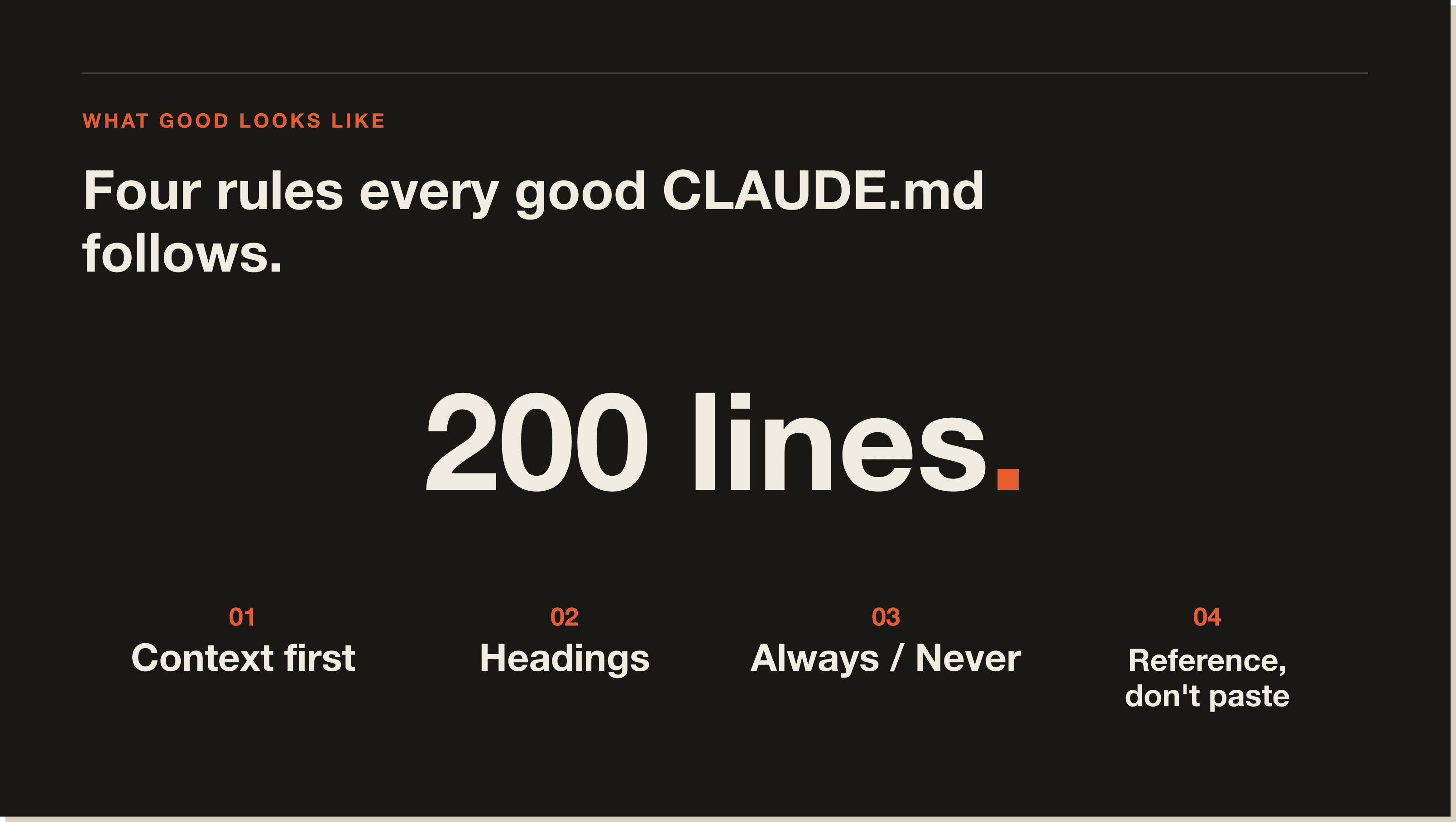
Open the file by telling Claude what the project is, who it is for, and what success looks like. A two-paragraph mission statement at the top changes every downstream decision Claude makes. Commands and conventions come after.
Claude reads CLAUDE.md the same way you read a README: it scans headings and lists first. Use H2s and H3s. Use bullet points. A wall of prose buries your most important rules and Claude will under-weight them.
Hard rules belong in unambiguous "always" and "never" lists. Mine has "never use em dashes", "always write commit messages in imperative mood", "never start a function without a docstring". Claude treats these like first-class constraints.
If your project has a 600-line API spec, do not paste it into CLAUDE.md. Write one line that says "for endpoint shapes, read /docs/api.md" and Claude will load it on demand. Referencing keeps CLAUDE.md short and your docs single-sourced.
Past roughly 200 lines, CLAUDE.md starts losing fidelity in the system prompt. Long files get summarised. Important rules get dropped. If yours is bigger, split it: project rules in CLAUDE.md, path rules in .claude/rules/, reference docs in /docs/. If you are still wiring up the basics, my 60-minute beginner guide walks through the directory layout end to end.
CLAUDE.md is a plain markdown file Claude Code reads at the start of every session. It is how you tell the agent what your project is, how it should write code, and what rules it must follow. There is one per scope, four scopes total, and they layer from managed policy down to local overrides.
Claude Code stores memory in markdown files on your disk, not in a database. Project memory sits in CLAUDE.md at the repo root. User memory sits in ~/.claude/CLAUDE.md. Local memory sits in .claude/CLAUDE.md.local inside the repo. Path-scoped rules sit in .claude/rules/. Everything is human-readable, version-controllable, and editable in any text editor.
Yes, fully. Anything you put in a CLAUDE.md file is reloaded every single time you start a new Claude Code session. Conversational state from your previous chat is not preserved, but any rule, fact, or instruction you saved to CLAUDE.md will apply automatically the next morning, next week, and next year.
Memory is passive context that gets loaded into every prompt. Claude Code skills are active capabilities Claude can invoke on demand to perform a specific task. Think of memory as "what Claude knows about your project" and skills as "what Claude can do on your behalf". You can also build slash commands for repeated workflows that need a single keystroke trigger.
This question usually means one of two things, and they are completely different problems. If you mean the CLAUDE.md memory feature, the answer is your files are probably fine and the system prompt is doing its job. If you mean RAM consumption, that is a different beast, sometimes called a Claude Code memory leak, and it has been reported in older versions running long sessions with many open tools. The fix is usually upgrading to the latest release and restarting the CLI. The two issues share a word and nothing else.
The four scopes are not advanced. They are the price of entry. Once your managed, project, user, and local files are layered correctly, Auto Memory keeps them fresh, and path rules keep them sharp. That is the entire memory model.
Most teams treat CLAUDE.md as a README they wrote once and forgot about. The teams that ship faster treat it like a living contract between themselves and the agent. Every time Claude does something off, they ask one question: was the rule in the file. If not, they add it. If yes, they sharpen it. That feedback loop is how a forgetful agent becomes a reliable one.
If you want my exact CLAUDE.md templates, the path-rule starter kit, and the 14-project audit checklist I run before any client engagement, that is what the Blueprint is for. Build the foundation once. Reuse it forever.
CLAUDE.md is a plain markdown file Claude Code reads at the start of every session. It is how you tell the agent what your project is, how it should write code, and what rules it must follow. There is no hidden database, no embedding layer, no vector store. Text on disk, loaded into the system prompt, with four predictable scopes.
Managed policy (org-level, pushed by IT admins), project (CLAUDE.md at your repo root, checked into git), user (~/.claude/CLAUDE.md, follows you across every project), and local (.claude/CLAUDE.md.local, gitignored, per-developer overrides). They layer in that order from most general to most specific. A rule in your local file beats a rule in the project file.
Yes, fully. Anything in a CLAUDE.md file gets reloaded every time you start a new session. The conversation log itself is throwaway, but any rule, fact, or instruction saved to CLAUDE.md applies automatically the next morning, next week, and next year. Write it once, it applies forever.
Auto Memory shipped in October 2025 and lets Claude propose additions to your CLAUDE.md when it notices a recurring instruction. Before, every line had to be authored by hand. Now you get a one-keystroke confirmation when Claude spots a pattern like "always run prettier before committing". One field nuance: it tends to propose project-level additions, so scan the proposals and reroute personal preferences to ~/.claude/CLAUDE.md.
Path rules are markdown files inside .claude/rules/ that scope to certain files or folders via a paths: frontmatter field. Claude only loads the rule when the active file matches the glob. In a monorepo, this is the difference between a 400-line CLAUDE.md that contradicts itself and four 80-line rule files that load on demand. Cheapest refactor guard rail I have ever shipped.
Under 200 lines. Past that, CLAUDE.md starts losing fidelity in the system prompt. Long files get summarised, important rules get dropped. If yours is bigger, split it: project rules in CLAUDE.md, path-specific rules in .claude/rules/, reference docs in /docs/ linked by name.
Memory is passive context loaded into every prompt. Skills are active capabilities Claude can invoke on demand to perform a task. Memory is what Claude knows about your project. Skills are what Claude can do on your behalf. Slash commands sit alongside both, for repeated workflows that need a single keystroke trigger.
Related guide: How to build a second brain in Obsidian
Five interactive lessons. Install Claude Code, build your first automation, and deploy it live on the internet — all in under an hour. Free, no coding required.
Grab the Blueprint →