← Back to Blog
Claude Code Slash Commands: What They Do and How They Work in 2026.
Claude Code slash commands turn repeat prompts into one keystroke. Here's how they work, the 9 I run, and the quiet merge into skills.
Claude Code slash commands turn repeat prompts into one keystroke. Here's how they work, the 9 I run, and the quiet merge into skills.
A Claude Code slash command is a saved prompt you trigger with /name inside the terminal, instead of retyping the same instruction every session.
I'm Tom. I run 9 custom slash commands in my own Claude Code setup, on top of the bundled ones Anthropic ships. They run my Reddit marketing loop, capture bugs, sync sessions to Obsidian, and load context from a year of prior work. If you want the foundation before this post makes sense, start with my 60-minute beginner guide and come back.
A slash command is a markdown file Claude Code reads as a reusable prompt. You type /track-bug "auth flow returns 401" and Claude executes the instructions inside track-bug.md against your current project, with the argument injected where you tell it to land.
Think of it as a saved prompt with variables. The same idea as a snippet in your text editor, except the snippet is interpreted by a coding agent that can read your files, run shell commands, and edit code based on what the prompt tells it to do.
Every slash command is a .md file in a .claude/commands/ folder. The filename becomes the command name. track-bug.md becomes /track-bug. Drop the file in, restart Claude Code, and the command is live.
The top of the file is optional YAML frontmatter. You can set a description (shown in the /help menu), an allowed-tools allowlist, and a model override. Below the frontmatter, the body is the actual prompt. Plain English instructions for what Claude should do.
The clever part is dynamic context injection. You can run shell commands inline with backticks and Claude will execute them before the prompt is sent. So a line like Current branch: git branch --show-current gets resolved to the live branch name. Same trick with $ARGUMENTS for the user's input. That's why slash commands feel less like text macros and more like tiny programs. See Anthropic's official commands doc for the full spec.
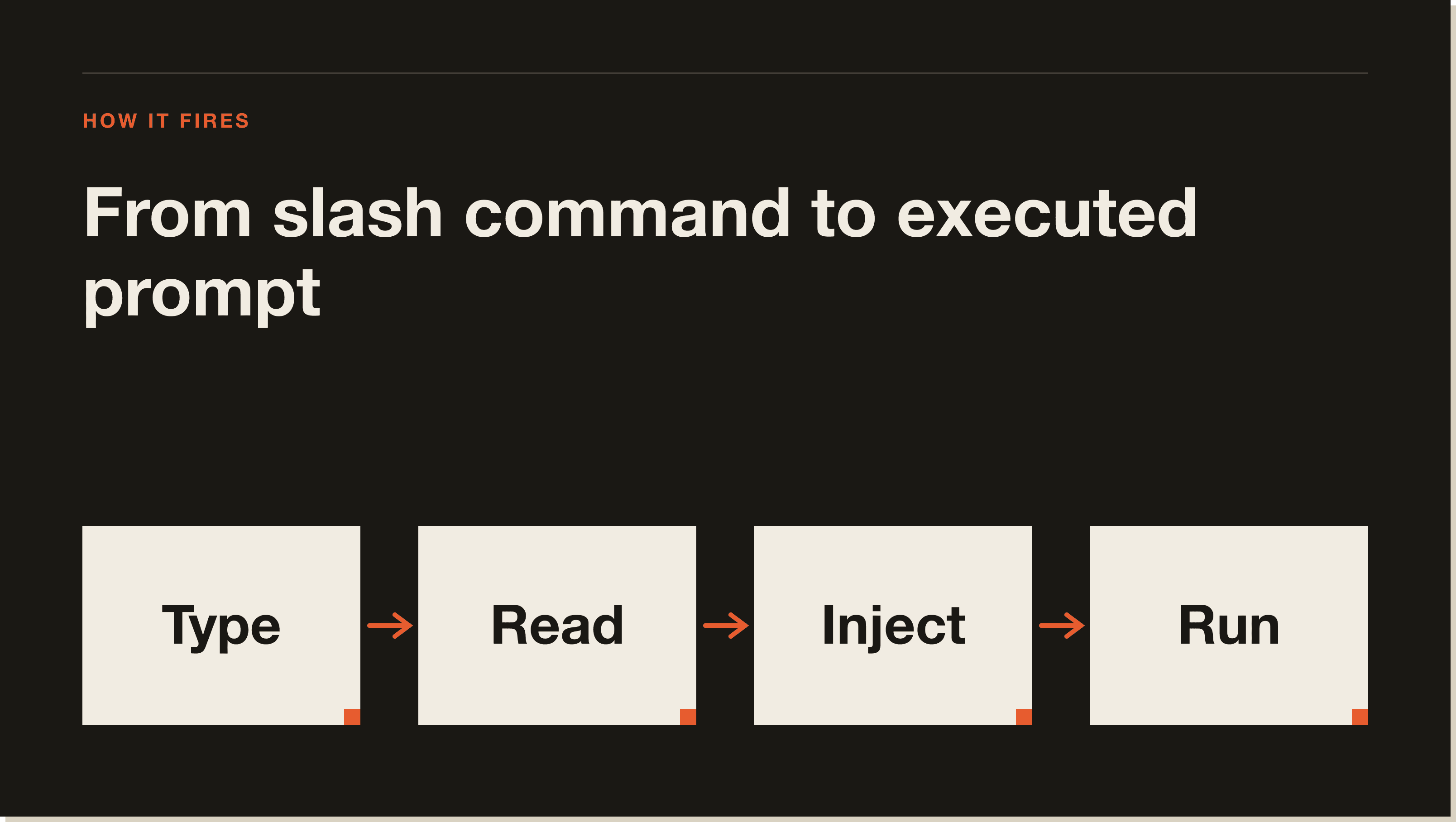
These ship with Claude Code. No setup required. This is the Claude Code commands cheat sheet I'd hand a new hire on day one.
Generates a CLAUDE.md at the project root by scanning your codebase. It's the first command I run on any new repo. It catalogues your tech stack, scripts, and conventions so future Claude sessions have a memory of the project.
Lists every available command in the current scope, built-in and custom. When something stops working after a Claude Code update, /help is the fastest way to see what's still registered.
Wipes the current conversation context. Use it when you're switching tasks mid-session and don't want the previous thread polluting the next one. Cheaper than starting a fresh terminal session.
Summarises the current conversation in place, keeping the key decisions and dropping the noise. I run this around the 70% context mark on long sessions. It buys back roughly 40% of the window without losing the thread.
Shows token usage and dollar spend for the current session. Useful for sanity-checking whether a long Opus run actually justified the bill, or for catching a runaway loop before it bleeds through your monthly allowance.
Opens your project and user memory files for editing. This is where the persistent instructions live. The Claude Code memory command is how you change Claude's behaviour without retyping rules in every prompt.
Forces Claude into plan mode for the next request. It drafts a step-by-step plan and waits for your approval before touching code. I use it for anything multi-file or irreversible.
Runs a code review on the current branch's diff against main. The Claude Code review command is genuinely useful for catching dumb mistakes before a PR goes out, especially when you've been heads-down for two hours.
Same idea as /review, but tuned for security concerns. Looks at auth flows, input validation, secrets handling, and obvious injection vectors. Not a replacement for a real audit. Good as a first pass.
Runs a prompt or another slash command on a recurring interval. /loop 5m /check-deploy keeps polling every 5 minutes. This is how I run my hourly Reddit monitoring agent.
A heavier review pass that pulls in plan mode and multiple verification steps. Slower and more expensive than /review. Worth it before a deploy you can't easily roll back.
Building a custom command takes about 30 seconds the first time. Once you've done it, you'll wonder why you ever retyped the same prompt twice.
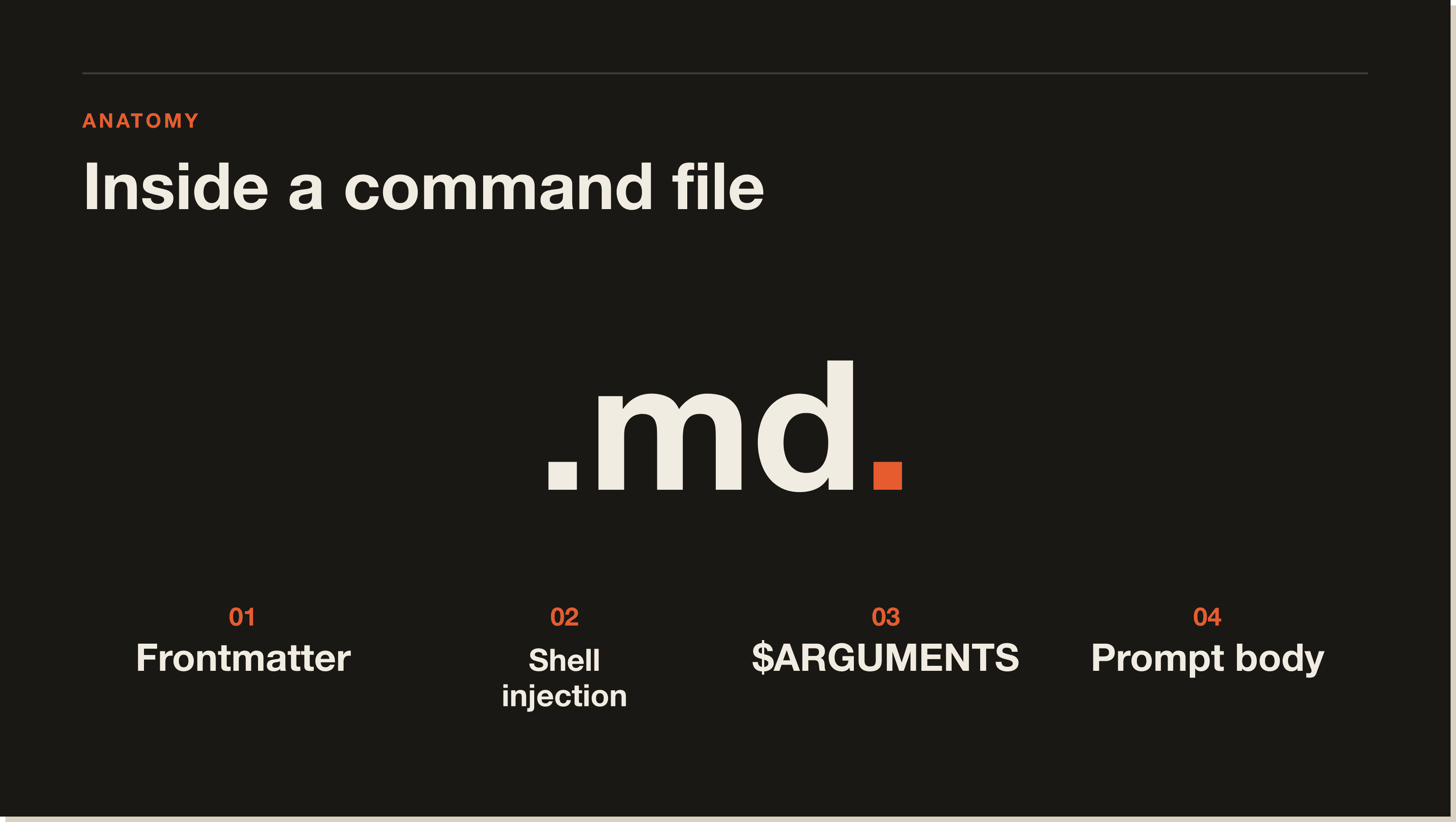
In your project root, run mkdir -p .claude/commands. This is the project-scoped Claude Code commands folder. Anything inside it is available when you run Claude Code from that repo.
Create .claude/commands/my-command.md. The filename becomes the command name. Keep names short and kebab-cased. /track-bug not /TrackBugInTheCurrentProject.
At the top of the file, add a YAML block:
---
description: One-line summary that shows up in /help
allowed-tools: Bash, Read, Edit, Write
---
The description is what other people on your team will see when they run /help. Treat it like a function docstring.
Below the frontmatter, write the actual instruction. Use $ARGUMENTS where you want the user's input to land. Use backtick-wrapped shell commands for live context. Example:
You are tracking a new bug. The bug report is: $ARGUMENTS

Current branch: `git branch --show-current`
Recent commits: `git log --oneline -5`

Append a new entry to BUGS.md with date, branch, and a short reproduction note.Three options. Project scope (.claude/commands/ in the repo) ships with the codebase. User scope (~/.claude/commands/) is available in every project you open. Local scope (.claude/commands.local/ or gitignored files) is for personal commands you don't want committed. I keep /recall and /sync-claude-sessions at user scope and /reddit-loop at project scope.
Restart Claude Code so it picks up the new file. Run /help and confirm your command appears. Then run it with a test argument and watch what Claude does. If the prompt is ambiguous, the run will be ambiguous. Iterate the markdown like you'd iterate a regular prompt.
These are real commands I run. Steal the patterns and rewrite the bodies for your own workflow.
Captures a bug report into a project-local BUGS.md with current branch, recent commits, and a one-line reproduction. Argument is the bug description. Saves me from context-switching to a separate issue tracker for the small stuff.
Same shape as /track-bug, but writes to IDEAS.md. I run this any time something feels like a future product or content angle. Two months later I have a running log instead of forty Apple Notes.
Loads context from my Obsidian vault by date. /recall yesterday pulls the previous day's session log into context so I can resume without re-explaining what I was doing. The killer feature for multi-day projects.
Exports the current Claude Code session into a markdown file inside my Claude-Sessions/ Obsidian folder. Pairs with /recall. One command to save, one to load. That's my entire memory system.
Runs my hourly Reddit marketing agent. Fetches new r/ClaudeAI posts, runs each through my answer skill, and sends me a Slack notification when something's worth replying to. Triggered by /loop 1h /reddit-loop so it runs unattended.
Here's the part nobody flagged. Anthropic's October 2025 update (v2.1.118+) merged several bundled slash commands into the new Claude Code skills system. The commands you used to run as /foo now live as skills in .claude/skills/foo/SKILL.md. The behaviour is the same. The plumbing isn't. Check the CHANGELOG for the exact version bumps.
Skills are richer than commands. A skill can bundle code, reference files, and progressive disclosure (load extra context only when triggered) rather than being one flat markdown file. That's why Anthropic moved the heavier built-ins over. The skills doc explains the model. The TL;DR: a skill is what a command grows into when it needs more than a single prompt.
Practical impact. If you wrote a custom slash command before October 2025 that depended on a built-in command (calling it from inside another command), some of those calls now route through the skills system instead. If your old command stopped working, the fix is usually a one-line update or a rewrite as a skill. Commands ran fast. Skills run smart. Both still exist, and you can mix them in the same project.
Project commands live in .claude/commands/ inside the repo. User-scope commands live in ~/.claude/commands/ and are available in every project. Local commands (personal, not committed) go in a gitignored folder or use the .local suffix. That's the entire Claude Code commands folder hierarchy.
A slash command is a single markdown file with a prompt. A skill is a directory that can include the prompt plus code, reference docs, and helper files, with progressive disclosure built in. Commands are best for short, repeatable tasks. Skills are best when the workflow needs more than one file or pulls in optional context. The Claude Code commands vs skills decision is mostly about complexity.
Yes. Put it in ~/.claude/commands/ (user scope) and it's available everywhere. If you want it scoped to one repo, leave it in .claude/commands/ and commit it. You can also publish a command as part of a plugin or share the markdown file directly with a teammate.
Two common causes. First, an Anthropic update after October 2025 moved some built-ins into the skills system, so commands that called those built-ins broke. Second, the frontmatter spec changed once during the v2 rollout, and old allowed-tools syntax silently fails on newer versions. Run /help to confirm the command is still registered and check the CHANGELOG for breaking changes.
Yes, with caveats. You can reference another command in the prompt body and Claude will follow the instruction to invoke it. Behaviour is more reliable when both commands live in the same scope. Calling a user-scope command from inside a project-scope command works, but the reverse is fragile.
Commands are reusable prompts. Skills are richer reusable workflows with their own files. Hooks run automatically on events (before a tool call, after a message). Subagents are separate Claude instances dispatched from the main session for parallel or specialised work. Different layers of the same stack.
If you've made it this far, you already know what to do. Pick three prompts you retype every week. Convert them into slash commands tonight. You'll save more time in the next month than this post took to read.
For the full system, the one I use to run my mentorship, my content, and my code reviews, check out the Blueprint. It walks through commands, skills, hooks, and subagents as one connected workflow, with the exact files I run on my own machine.
A slash command is a markdown file Claude Code reads as a reusable prompt. You type /track-bug "auth flow returns 401" and Claude executes the instructions inside track-bug.md against your current project, with your input injected where you tell it to land. Think of it as a saved prompt with variables, interpreted by an agent that can read files, run commands, and edit code.
Create .claude/commands/ in your repo, drop in a markdown file named after your command (track-bug.md becomes /track-bug), add optional YAML frontmatter for description and allowed-tools, then write the prompt body using $ARGUMENTS for user input. Restart Claude Code and the command is live. Takes about 30 seconds the first time.
Three scopes. Project commands live in .claude/commands/ inside the repo and ship with the codebase. User-scope commands live in ~/.claude/commands/ and are available in every project you open. Local commands (personal, not committed) go in a gitignored folder or use the .local suffix. I keep /recall at user scope and /reddit-loop at project scope.
A slash command is a single markdown file with a prompt. A skill is a directory that bundles the prompt plus code, reference docs, and helper files with progressive disclosure. Commands are best for short, repeatable tasks. Skills are best when the workflow needs more than one file or pulls in optional context on demand. Both still exist and you can mix them.
Eleven worth memorising: /init generates a CLAUDE.md, /help lists everything, /clear wipes context, /compact summarises to buy back ~40% of the window, /cost shows token spend, /memory edits your CLAUDE.md, /plan forces plan mode, /review audits the diff, /security-review hunts for auth and injection issues, /loop runs prompts on a recurring interval, and /ultrareview is the heavier pre-deploy pass.
Two common causes. An Anthropic update after October 2025 moved several built-ins into the new skills system, so commands that called those built-ins broke. Second, the frontmatter spec changed once during the v2 rollout, and old allowed-tools syntax silently fails on newer versions. Run /help to confirm registration and check the CHANGELOG for breaking changes.
Five interactive lessons. Install Claude Code, build your first automation, and deploy it live on the internet — all in under an hour. Free, no coding required.
Grab the Blueprint →