← Back to Blog
How to build a second brain in Obsidian.
Build an Obsidian second brain with plain Markdown files, a simple folder structure and rules that let AI agents use your knowledge without bloated memory.
Build an Obsidian second brain with plain Markdown files, a simple folder structure and rules that let AI agents use your knowledge without bloated memory.
A second brain in Obsidian is a folder of connected Markdown files that stores the knowledge you want to find and reuse, instead of leaving it buried in your head, chat history or random documents.
I use Obsidian as the file reader for a larger system. The important part is not the graph view. It is the folder structure, the retrieval rule and the fact that an AI agent can read the same files when I need it to work from my actual context.
A second brain is an external knowledge system that captures your notes, decisions, source material and working documents so you can retrieve them later.
The term is often associated with Tiago Forte's Building a Second Brain method. You do not need to reproduce somebody else's PARA template to make the idea useful. You need a place where the files live, a naming system you can keep using and a retrieval process that stops you from answering from memory when the source is already in your vault.
Obsidian works well because it stores notes as local Markdown files. The files are readable outside Obsidian, easy to search, easy to move and available to other tools that can read a folder.
Obsidian is useful for a second brain because it gives you a visual interface for files that remain portable on your own machine.
The links and graph view can help you see relationships, but they are not the core benefit. In my setup, Obsidian is closer to a file reader than a magical knowledge graph. I open a brief, transcript or operating note, then give the relevant path to the agent doing the work.
That distinction matters. A graph can look impressive while the notes remain useless. A small set of clear files can be valuable even if you never open the graph view.
Your second brain should hold information that you expect to use again. That usually includes durable context, project notes, source material, decisions, procedures and finished work that can teach the next piece of work.
For a business operator, useful files include:
Do not treat the vault as a dumping ground. If a file has no owner, no useful name and no reason to be found again, it becomes another place to search rather than a second brain.
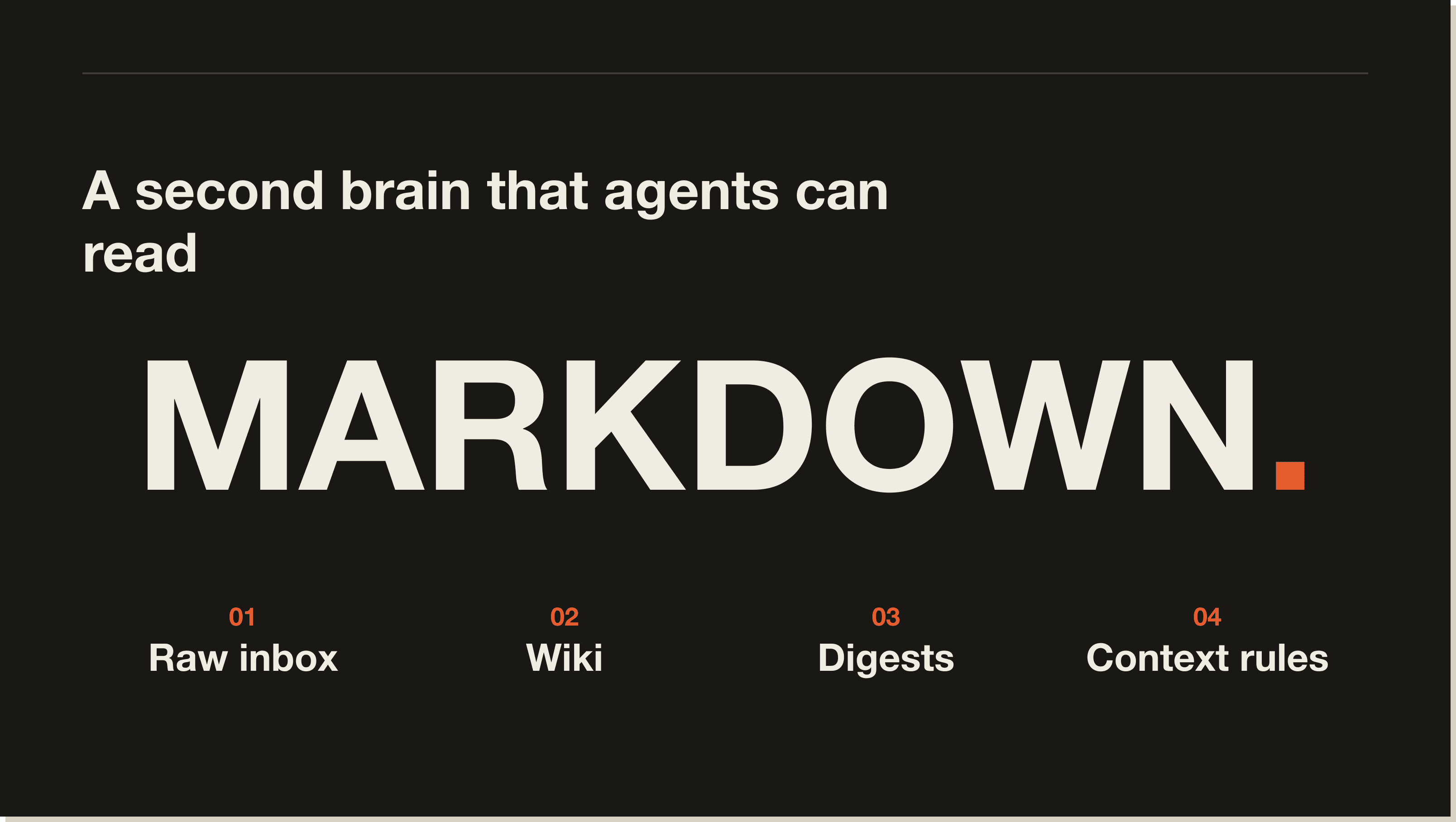
My HERMES BRAIN vault uses a small number of layers instead of a giant folder tree.
The root holds a few files that define who I am, what I am building and how an agent should retrieve information. The rest of the system separates raw capture, compiled knowledge and scheduled reviews.
HERMES BRAIN 1/
  context-rule.md
  identity.md
  projects.md
  tasks.md
  0-raw/
  1-wiki/
  2-digest/
Each layer has a different job.
The 0-raw folder is the capture inbox for thoughts, transcripts and unprocessed material.
Raw notes should stay close to their original wording until they have been reviewed. This gives you an audit trail and prevents a summary from quietly replacing the source.
If you use voice notes, meeting transcripts or clipped articles, put them in one predictable inbox first. Do not create a separate raw folder for every department. That makes routing harder and gives every future agent another place to look.
The 1-wiki folder holds durable pages that have been cleaned up and connected to related topics.
This is where a raw transcript can become a page about a repeatable workflow, a product feature or a business principle. The compiled page should contain the useful knowledge, not a copy of every sentence from the source.
In my vault, the wiki has operations pages for systems such as Hermes memory, Claude Code context files and AI workspace security. Those pages give an agent a stable reference instead of asking it to rediscover the same setup every time.
The 2-digest folder holds briefs, reviews and scheduled reports.
A digest is useful when it has a date, a purpose and a clear next action. It should not become the permanent home for facts that belong in the wiki. Move durable knowledge to the appropriate page after the review.
The root files answer the questions an agent needs before it starts work.
identity.md explains who I am, what I do, how I want the assistant to talk and what decisions matter. projects.md explains what is currently active. tasks.md holds open loops. context-rule.md tells the agent to read identity and projects first, then retrieve only the notes that match the question.
Those files are small on purpose. They are not a copy of the whole vault.
An AI agent should read the vault as source material when the work depends on your business, preferences or previous decisions.
The simplest version is a prompt that names the folder and the retrieval rule:
Read the vault rules first. Then read the identity and projects files.
Find only the notes relevant to this task and follow their linked pages one hop out.
Use the vault as the source of truth. If the vault does not contain the answer, say so.
List the notes you used before giving me the result.
The exact command depends on the agent. Claude Code can work from Markdown files in a project directory. Hermes can use a local vault as a larger knowledge base while keeping its always-loaded memory files small. Other tools can search the folder directly or use an index built for the vault.
The operating rule stays the same: retrieve the source before you answer.
Obsidian stores the larger knowledge base. AI memory stores the small amount of context that should be available in every session.
Hermes memory is useful for stable facts such as where the vault lives, how the assistant should address you and which preferences should persist. It is a poor place for your entire business knowledge because every session would carry too much context and stale details would be harder to remove.
The vault can hold the larger system. The agent reads the relevant files when a task needs them.
That separation makes maintenance easier. You can update one operating page without rewriting a giant memory file, and you can inspect the source instead of trusting an invisible summary.
Start with the smallest structure that matches the work you already do.
Create one capture folder, one place for durable knowledge, one place for reviews and a few root files for identity and project state. Add another folder only when a real retrieval problem appears.
Name files for the question they answer. Claude Code Context Files.md is easier to retrieve than notes about context. Add links when a relationship will help the next reader. Do not add links merely to make the graph look busy.
Give each durable page a clear owner. A page about the current SEO pipeline should have one canonical home. If the same rule appears in four folders, the agent has four chances to retrieve conflicting instructions.
A content system becomes more useful when the vault stores both raw evidence and reusable writing guidance.
A transcript can stay in the raw layer. A cleaned source summary can sit in the wiki. A published article can become a reference example. The next content task can then retrieve the relevant source, voice rule and previous example before drafting.
My own content system uses the vault for source material, copywriting guidance, project notes and workflow files. Claude Code can use the files during a build, while Hermes can retrieve the same knowledge when it is acting as an always-available operator.
The advantage is not that the agent writes without supervision. The advantage is that it starts from the same context I would have gathered manually.
Obsidian does not automatically turn messy notes into useful knowledge. You still need to decide what belongs in the vault, what should be deleted and which page is canonical.
A large vault can also become slow to retrieve if every note uses different names and the agent has no rule for narrowing the search. More files do not automatically produce better answers.
Privacy needs attention too. A local Markdown file is easier to control than a SaaS note, but the moment you send its contents to a cloud agent, the relevant data leaves the machine. Separate sensitive notes, use the minimum necessary context and check the permissions of every tool that can read the vault.
The final limit is maintenance. A second brain that never receives a review becomes an archive. Schedule a short review, remove stale instructions and move durable facts out of temporary briefs.
An Obsidian second brain is worth building if you repeatedly lose context between projects, tools or AI sessions and you are willing to maintain a small amount of structure.
It is not worth building as a decorative graph or as another system for collecting notes you never read. Start with the work you already repeat, store the sources that work depends on and make the retrieval rule visible to the agent.
That is the setup I would build first. A few ordinary Markdown files are enough to give an AI operator a much better starting point.
Yes. Obsidian stores local Markdown files, so you can organise notes, link related pages and let other tools read the same files. The useful part is the retrieval system, not the graph view.
Start with a raw capture folder, a durable knowledge folder, a review or digest folder and a few root files for identity, projects, tasks and retrieval rules. Add complexity only when a real retrieval problem justifies it.
Yes, if the agent has access to the vault folder or an index of its Markdown files. Give the agent a clear retrieval rule and ask it to cite the notes it used.
Obsidian is a better fit when you want local Markdown files, portable storage and direct access from coding agents. Notion may be more convenient for shared databases and team collaboration. The right choice depends on where your knowledge needs to live and which tools need to read it.
No. Keep always-loaded AI memory small and stable. Store the larger knowledge base in the vault, then retrieve relevant notes when a task needs them.
Use one raw inbox, give durable pages one canonical home, name files for the questions they answer and review stale instructions regularly. If the same fact appears in multiple places, decide which page wins.
The Markdown files are local by default, but their contents can leave the machine when a cloud agent or synced service reads them. Separate sensitive material, use minimum permissions and check where each tool sends the context.
Start with one folder, one repeatable task and one retrieval rule. Then use the Claude Code Blueprint to build the first useful workflow around your own files.
Five interactive lessons. Install Claude Code, build your first automation, and deploy it live on the internet — all in under an hour. Free, no coding required.
Grab the Blueprint →