← Back to Blog
Claude Code Use Cases That Are Actually Insane.
Five Claude Code use case examples from a live demo: content repurposing, live dashboards, pre-call briefs, website builds, and invoice handling.
Get your free AI audit.
Book a call →Five Claude Code use case examples from a live demo: content repurposing, live dashboards, pre-call briefs, website builds, and invoice handling.
Claude Code is Anthropic's terminal-based AI coding agent, and it writes and runs code directly inside the project folders on your machine. The five examples in this post come from a live walkthrough, and each one is a real build you can adapt for your own business. One of my students used the same approach to replace a $30,000-per-year software tool.
For the broader picture of what Claude Code can do, the overview post at /blog/claude-code-use-cases is the right starting point. This post goes one level deeper: here is each example, how the build actually worked, and what you need to replicate it.
Most people who pick up Claude Code build things that look impressive but do nothing useful in their business. The fix is not a better prompt, it is pointing the tool at real work. The five examples below are all things I either use daily or have watched students build and profit from.
If you are still at the orientation stage, read how to use Claude Code first, then come back here for the specific builds. This post is the companion to the Claude Code use cases overview: that post gives you the map, this one gives you the worked examples.
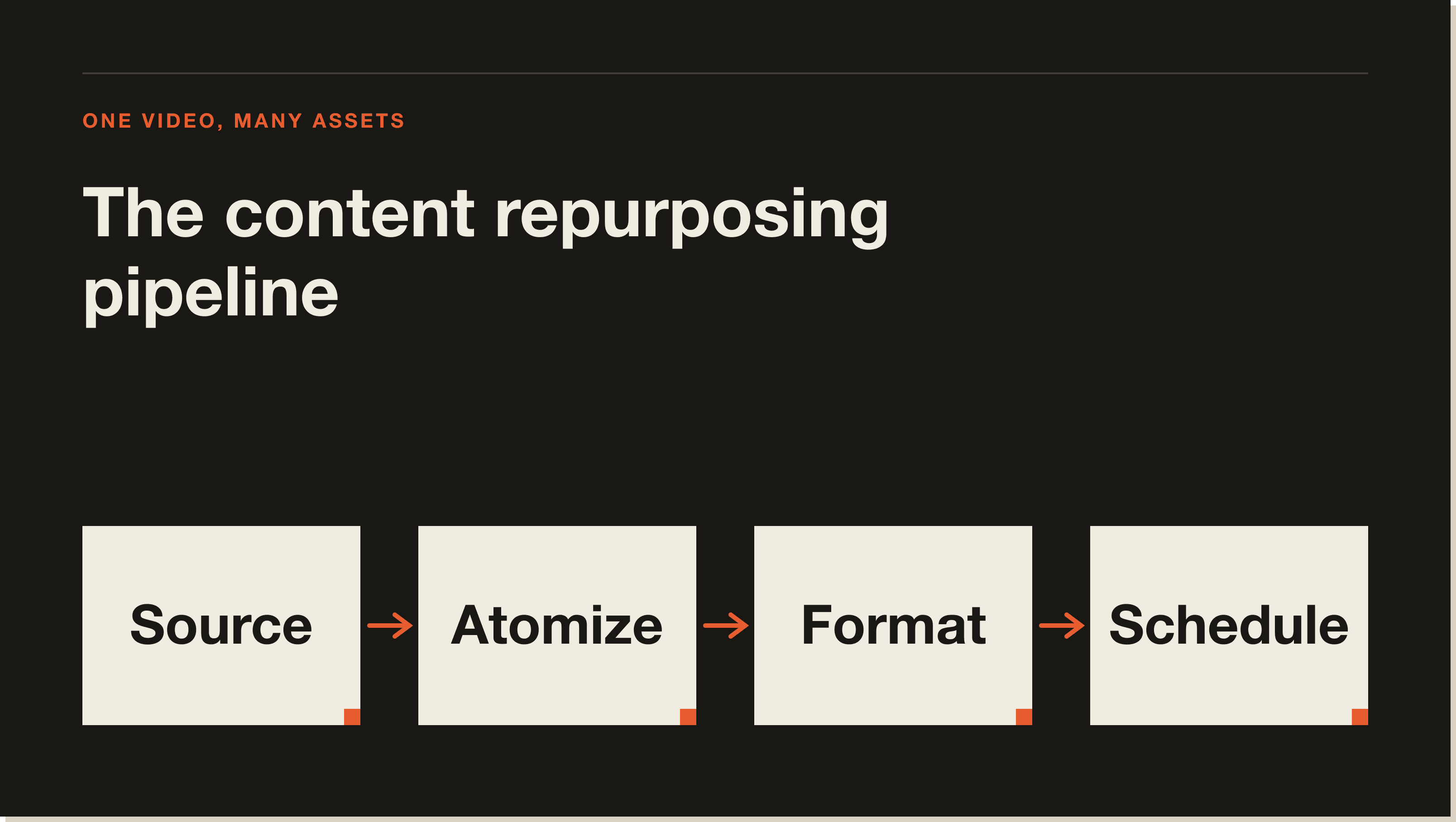
The first example is a full content repurposing run in a single session. The starting point is a YouTube transcript. From that one input, Claude Code produces a LinkedIn carousel (eight slides, exported as a PDF for LinkedIn native upload), an X thread, an Instagram carousel, and short-form scripts for Instagram Reels, TikTok, and YouTube Shorts.
The session used three skills in sequence: the content atomizer skill for drafting, an image-generation skill for creating platform-specific cover images, and the Blotato MCP for scheduling everything to go live.
The key detail is the voice file. When Claude Code starts, it reads a voice.md file that contains my hook frameworks, sentence rhythm, and top-performing post examples. Without that file you get generic output. With it, the content actually sounds like you.
The whole run, content, images, and scheduling across LinkedIn, X, and Instagram, took 26 minutes. The content atomizer asks one round of clarifying questions (which platforms, what goal) and then handles the rest.
The image skill is not just asking the model to invent something. It holds references to my existing images that have performed well, extracts the visual formula from those, and then applies it to the new content. The skill also contains brand guidelines: colors, fonts, typography, layout spacing. The output is on-brand rather than generic.
For the content repurposing run, this produced a LinkedIn image, an X thread image, and a carousel cover, all matched to the same post, generated in the same session.
The second example is a revenue dashboard built inside Claude Code using two data sources: Stripe (via the Stripe CLI) and PostHog (via the PostHog MCP).
The dashboard I built tracks workshop buyers, funnel stages (order bumps, upsells), revenue by traffic source using UTM parameters, and a UTM link generator for new campaigns. It also includes an affiliate link creator. The whole thing uses the same brand colors and typography as my website.
What makes this useful is that no off-the-shelf analytics tool gives you the exact combination of data you need. PostHog handles web analytics; Stripe handles revenue. Claude Code can query both at the same time and build a single dashboard that shows exactly what you need to see.
One of my students, Chris Cole, took this approach further. Chris is a civil engineer in California managing nine-figure government construction contracts. He built a reporting system in Claude Code that completely replaced a Microsoft Access tool his company was paying $30,000 per year for. You can read the full story in his case study. He has since built similar tools for his own clients.
The third example is an automation that generates a personalized sales brief for every prospect before a discovery call.
The system works like this: when someone submits an application form, the data lands in Airtable. A script runs every couple of hours, scans for new applications, and generates a pre-call brief for each one. The brief is waiting in a folder by the time I sit down to prepare for the call.
Each brief contains:
This is not a generic sales script. It is a custom script built from the specific words that person used when they applied. Reading it 10 to 15 minutes before the call puts me in the same position as a salesperson who spent an hour researching the prospect.
You can adapt the brief template to your own sales process. The underlying mechanism is the same regardless of what sections you want: a script that watches an Airtable, pulls new rows, runs a prompt, and writes the output to a folder. For building automations like this, the Claude Code agents post covers the patterns in more detail.
The fourth example is one of the most immediately commercial. It takes a Google Maps business listing with no website and turns it into a working HTML and CSS website in a single Claude Code session.
The demo used a fish and chip restaurant in the UK that had 473 Google reviews, a 4.4 star average, and no website. The steps were:
The output: a working local host site with a hero section using a photo from the listing, a full menu section, a reviews section with actual text from Google, directions, phone number, and a map embed. Claude Code also generated a logo.
The plan mode step is the part most people skip, and it is the part that makes the difference in output quality. Jumping straight to build mode gets you something functional but rough. Running plan mode first forces Claude Code to gather all the data and outline the structure before it starts writing code.
For businesses that do web development or SEO, this is a prospecting tool. Find a local business with no website, generate a working demo from their Google listing, and show up to the pitch with something live. For the best MCP servers to pair with Claude Code, Firecrawl is one of the highest-leverage ones for builds like this.
The fifth example is an invoice handling tool. The problem it solves: invoices arrive by email, you manually upload them into a tool, the tool extracts data, and then you copy it somewhere useful. Most businesses tolerate this because they assume they need dedicated accounting software for it.
The demo showed a drag-and-drop web app built in Claude Code. You drop an invoice PDF into the app, it reads and scans the document, extracts the structured data (vendor, amount, date, line items), and writes the record directly to Airtable. The whole extraction takes seconds.
The fully automated version goes further. Claude Code can run on a schedule to scan your email inbox every day, identify emails that contain invoice attachments, extract the attachment, scan it, and add the record to your database. No manual upload step, no separate tool subscription.
The web app version shown in the demo is the right starting point if you want to stay in control of what gets processed. The fully automated version makes sense once you trust the extraction accuracy. Both are buildable in a single Claude Code session with the Airtable MCP connected.
Content repurposing and pre-call briefs are the two highest-return starting points for non-technical users. Both require minimal setup (a voice file and an Airtable, respectively) and deliver output you can use immediately without building anything complex.
Yes, with the right inputs. The key is using plan mode before the build, giving Claude Code a visual direction (heritage, modern, minimal, etc.), and connecting the Firecrawl MCP so it can pull real content from the source listing rather than generating placeholder text.
A voice.md file in your project directory is what controls this. It holds your hook formulas, sentence patterns, examples of top-performing posts, and a blacklist of phrases to avoid. Claude Code reads it at the start of every session. Without it, you get generic copy. With it, the output matches your voice closely enough to publish with light editing.
You need an Airtable base receiving your application form data, the Airtable MCP connected to Claude Code, and a prompt template describing what sections you want in the brief. Claude Code writes a Python or shell script that polls the base and generates a brief file for each new row. See Claude Code commands for how to run these on a schedule.
Yes, and this is how several students in the mentorship are making money. Chris Cole, for example, built reporting and workflow tools for his civil engineering clients using the same dashboard approach from use case two. The skills you build for your own business translate directly into client deliverables.
For standard invoice formats, yes. The extraction accuracy depends on the quality of the PDF and how consistently formatted the invoices are. The recommended approach is to start with the manual drag-and-drop version, verify a few batches, then move to full email automation once you trust the output.
Firecrawl for web scraping (use cases 1 and 4), the Airtable MCP for database storage (use cases 3 and 5), the Stripe CLI for payment data (use case 2), and the PostHog MCP for web analytics (use case 2). The best MCP servers for Claude Code post covers setup for each of these.
The five examples above are all things you can build in Claude Code today. If you want to go from watching to shipping, the 30-day AI Operator Challenge is the fastest path: structured builds, daily output, and a cohort working through the same problems at the same time.
If you want the free foundation first, grab the Claude Code Blueprint, a free interactive course that teaches Claude Code by having you actually use it. Download the files, open the folder, type "start lesson one," and Claude takes it from there.
Five interactive lessons. Install Claude Code, build your first automation, and deploy it live on the internet — all in under an hour. Free, no coding required.
Grab the Blueprint →