← Back to Blog
Hermes Agent: A Beginner's Guide.
Hermes Agent is an open-source self-hosted AI agent that learns your habits, builds reusable skills, and runs 24/7 on a VPS, here's how to get started.
Hermes Agent is an open-source self-hosted AI agent that learns your habits, builds reusable skills, and runs 24/7 on a VPS, here's how to get started.
Hermes Agent is an open-source, self-hosted AI agent framework that runs on a VPS or your local machine, connects to your AI model of choice, communicates with you through Telegram, and gets smarter with every session by building reusable skills and persistent memory. I spent the last month using it alongside Claude Code, and the difference compared to OpenClaw, the other open-source agent that got all the hype earlier this year, is real.
OpenClaw had a moment. It was one of the fastest-growing GitHub projects for a while, and people were calling it the open-source agent that would change everything. It didn't quite get there. Hermes is what OpenClaw should have been: ten times easier to set up, more secure out of the box, and built around a context system that actually remembers how you work across sessions. If you've been curious about running your own always-on AI agent, this is the one worth trying.
Hermes Agent is an open-source AI agent you install on your own machine or a VPS, connect to a large language model (like OpenAI Codex), and control through Telegram. Unlike a chat interface you open in a browser, Hermes runs continuously in the background. You can text it at midnight from your phone, set it to run reports on a schedule, and wake up to the results, even with your laptop closed. That always-on capability is the whole point.
The key features that separate it from a standard coding agent are its persistent memory (it writes down what it learns about you so it never has to ask twice), its soul.md personality file (you define the character and context of your agent), and its skill system (it creates reusable workflows from repeated actions over time). It has overtaken OpenClaw in GitHub stars and community interest, and there is an official desktop app available if you prefer not to use the terminal.
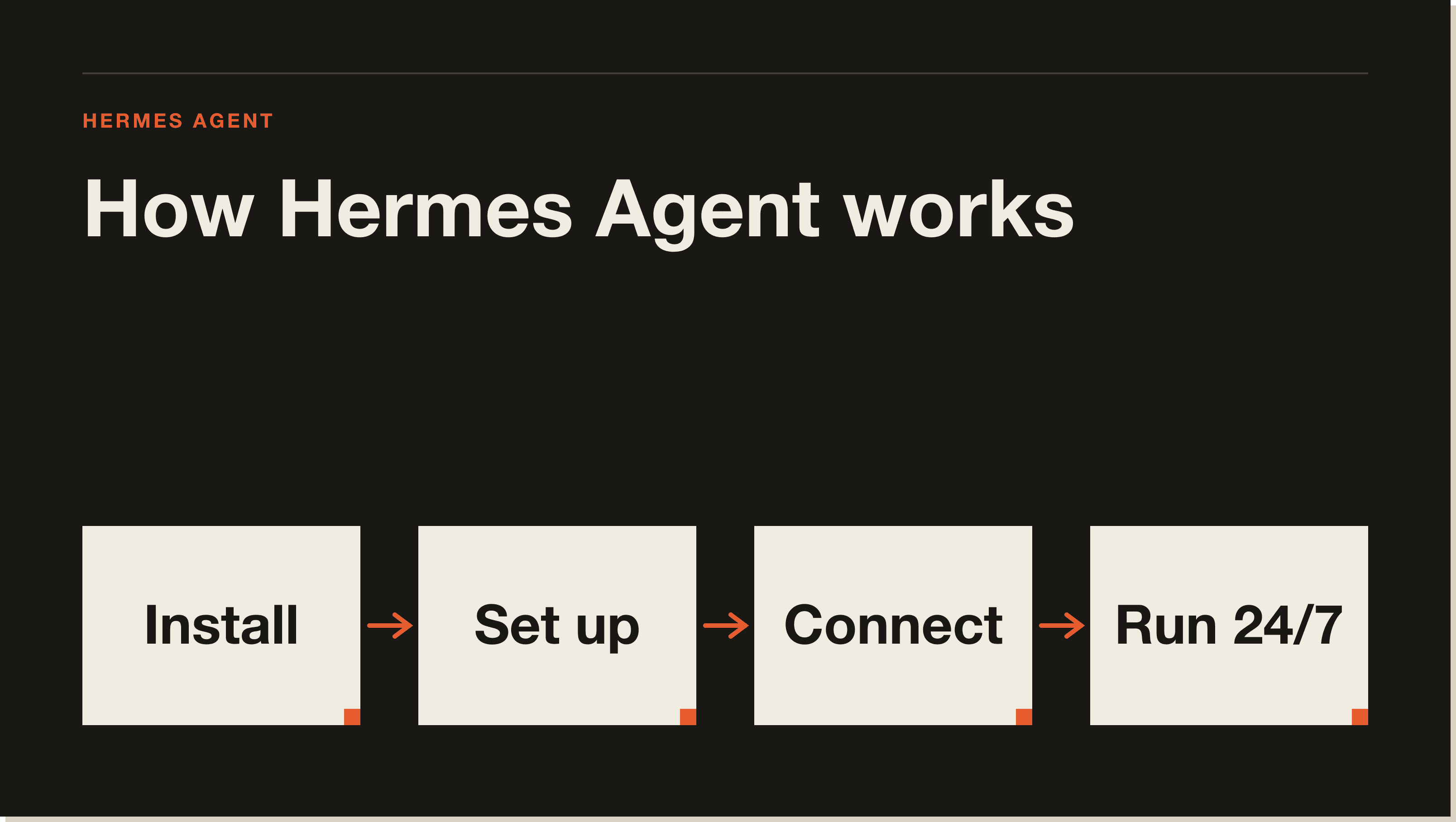
OpenClaw required significant VPS hardening to run safely. Hermes is more secure out of the box, the setup process required far less configuration to get to a stable, usable state. The installation is also faster and more guided, with a hermes setup command that walks you through API key connection, model selection, communication platform, and browser/image/search tool options in a single flow.
The other meaningful difference is how each handles context. People frequently complain that AI agents forget what they know between sessions. Hermes addresses this directly with two mechanisms: a soul.md file that stores the agent's personality and baseline context, and a persistent memory system that writes down facts about you as you interact. After a single session, Hermes had my name, my business, my audience size, and the structure of my content folders saved to memory, and it referenced those automatically in the next request without being asked.
That is the context engineering fix that most agentic tools still get wrong.
Installation works on Mac, Linux, and Windows via a terminal command. If you want a desktop app experience, they released one recently, it is roughly equivalent to having a dedicated interface for your agent rather than running everything through a terminal window.
The important decision upfront: do you want Hermes to run 24/7, even when your laptop is closed? If yes, you need a VPS. When your laptop shuts down, so does Hermes. A VPS stays on.
Run the terminal installation command for your OS (Mac/Linux command or the Windows equivalent). This installs Hermes on your machine or server. If you are deploying to a VPS, the steps are the same as local, you just run them in the VPS terminal rather than your own.
Type hermes setup and choose the full setup option so you can supply your own API keys and configure each component:
Open Telegram, search for BotFather, and create a new bot. Give it whatever name you want. Copy the bot token, then run hermes gateway setup in your terminal and paste the token in. You will also need your Telegram user ID, the BotFather can return this via a get user ID bot command. Add that ID as an allowed user and set up your home channel.
If you want your Hermes agent on a VPS to read and write files on your actual computer, connect the two with Tailscale. You will need a free Tailscale account, an auth key from their admin console, and your machine name and folder path. You can give this information directly to Hermes as a prompt and it will handle the installation and configuration, it ran the Tailscale install on the VPS and connected to my laptop's files through a single prompted request.
Run hermes login to authenticate. Open Telegram, find your bot, and send a test message. If the gateway is not running, ask Hermes directly why Telegram is not connected, it will diagnose and fix the issue on its own.
Once Hermes is running, the first thing worth doing is defining who your agent is and what it knows about you. Hermes uses a soul.md file to store the agent's personality. This is where you set tone, character, and operating instructions, things like "talk to me like a human, not a chatbot" or "when you learn how I work, write it down so you never have to ask twice."
After setting the soul file, tell Hermes a bit about yourself and instruct it to save the information to memory. It will store this in a persistent memory file and reference it across future sessions. In the demo session I walked through, Hermes scanned my content folders via Tailscale and automatically indexed key documents, including a voice.md style guide, without being asked to do more than "scan this folder." It then suggested building a lightweight index of the whole vault. That kind of proactive context-building is where it starts to feel different from a standard coding tool.
Once setup is done and memory is loaded, here is what a working session looks like:
Content creation with file access. I asked Hermes to scan my YouTube hooks folder, pull the hacks listed there, and write separate X posts for each one with three hook options per post. It accessed the files via Tailscale, read the content, generated the posts, and saved markdown files back to my computer, visible in Obsidian immediately. The hooks it produced were reasonable, though not at the level of a tuned custom skill. The next step would be pointing it at a content creation skill file to run the drafts through.
Parallel sub-agents. I asked it to spin up three simultaneous research agents: one to find the top Hermes Agent videos on YouTube with view counts, one to pull the latest Anthropic releases from the past 14 days, and one to find what people were saying about Hermes on X. It launched all three, returned results from each, and flagged where data was limited (X without an API key returns little). For the X research gap, it pointed to a "last 30 days" skill available for Hermes that hooks up to the X API.
Scheduled tasks. I set a recurring schedule: every morning at 9am, pull the top five traction sources from Reddit and Google around Claude, Anthropic, AI agents, Hermes, and Codex, and send me a report on Telegram. Because this runs on a VPS, the schedule fires whether my laptop is on or not. This is the core use case, automated reports, daily briefs, monitoring, delivered to your phone without any manual action.
Importing Claude Code skills. I asked whether Hermes could pull my existing Claude Code skills from my laptop and install them. It found my skills folder via Tailscale, copied the active skills into Hermes, and even created a new reusable skill based on what it had learned during the session. If you are already running Claude Code and have invested time building custom skills, you can carry those over.
This kind of work sits in the same territory as Claude Code agents and Claude Code use cases, the difference is Hermes puts the agent on a server that runs when you are not at your desk.
The content output, without a tuned skill, is competent but not remarkable. The hooks it generated for social posts were described as "reasonable", usable, but not at the level you would get from a purpose-built content workflow like a custom Claude Code skill. That gap closes as you train the agent with better context and dedicated skill files.
The Tailscale setup is the most technically involved part. The video covers it at a high level and defers to Hermes itself for the detailed configuration, which works, but means the setup requires more back-and-forth than a simple install. The transcript also mentions some hiccups during initial configuration (the Telegram gateway not starting, the soul.md file not being written on the first attempt) that required additional prompting to resolve. This is early-stage software and you should expect some friction.
Sub-agent results without the right API connections are limited. The X research came back thin without an X API key, and YouTube research returned the hook angle rather than the literal hook text. These are solvable but require additional setup time.
For context on how Hermes compares to Claude Code's own approach to agents, this guide to Claude Code covers the foundations, and the MCP servers guide covers how Claude Code handles external tool connections in a way Hermes handles natively through its tool setup wizard.
Yes, with the right expectations. If you want an AI agent that works while you sleep, learns your habits over time, and lives in your Telegram DMs, Hermes delivers on that promise better than anything else currently available at this level. The VPS requirement is a real cost and a real setup commitment, but once it is running, the always-on capability is the thing that makes it genuinely different from a chat tool.
I will keep using Claude Code as my primary daily driver, it is embedded in my workflow and the skill system is built around how I actually work. But Hermes on a VPS fills a different slot: background research, scheduled reports, tasks you want to fire off from your phone at midnight and find done by morning. Those two tools are not competing for the same use case.
The comparison to consider is not Hermes vs. Claude Code, it is Hermes vs. doing nothing while your laptop is closed. On that comparison, Hermes wins easily.
Hermes Agent is an open-source, self-hosted AI agent framework. It connects to a large language model of your choice, communicates with you through Telegram, and runs continuously on a VPS or local machine. It is designed to perform tasks autonomously, learn your habits over time, and build reusable skills from repeated actions.
Hermes is significantly easier to set up than OpenClaw, requires less VPS hardening for security, and has a more developed context system including persistent memory and a soul.md personality file. I switched from OpenClaw to Hermes after finding Hermes more stable and better at maintaining context across sessions.
You can install Hermes locally without a VPS, but you will lose the always-on capability. When your laptop closes, Hermes stops. A VPS keeps Hermes running 24/7, which is what enables scheduled tasks, overnight reports, and Telegram access from anywhere. Any standard VPS works for this.
Hermes uses two systems: a soul.md file that stores persistent personality and context, and a memory file that records facts about you across sessions. As you use it, it writes down information you share so it does not need to ask again. Over time, it also creates reusable skill files from repeated workflows.
Yes. If you have existing skill files from Claude Code and your laptop is connected via Tailscale to your Hermes VPS, you can ask Hermes to find and import those skills. In the demo, it located the Claude Code skills folder, copied the active skills into Hermes, and created a new skill from the workflow it had just learned.
The demo connects Hermes to OpenAI Codex using an OpenAI account. Hermes also offers its own hosted API plan if you prefer not to manage model credentials. The setup wizard lets you choose your model and backend during initial configuration.
In my testing Hermes required significantly less VPS hardening than OpenClaw, and it felt noticeably more secure out of the box. That said, any self-hosted agent running on a server with access to your files introduces surface area, standard VPS security practices still apply, and you should do your own research before giving it access to sensitive directories.
Hermes is one way to run an always-on agent, but the foundation underneath it is knowing how to drive a coding agent in the first place. My free Claude Code Blueprint walks you through your first real build in about sixty minutes, no coding required, so you have the skills to set up and direct tools like Hermes with confidence.
Get the Blueprint and start building.
Related guide: Multi-Agent Workflows: Graph Engineering With Hermes
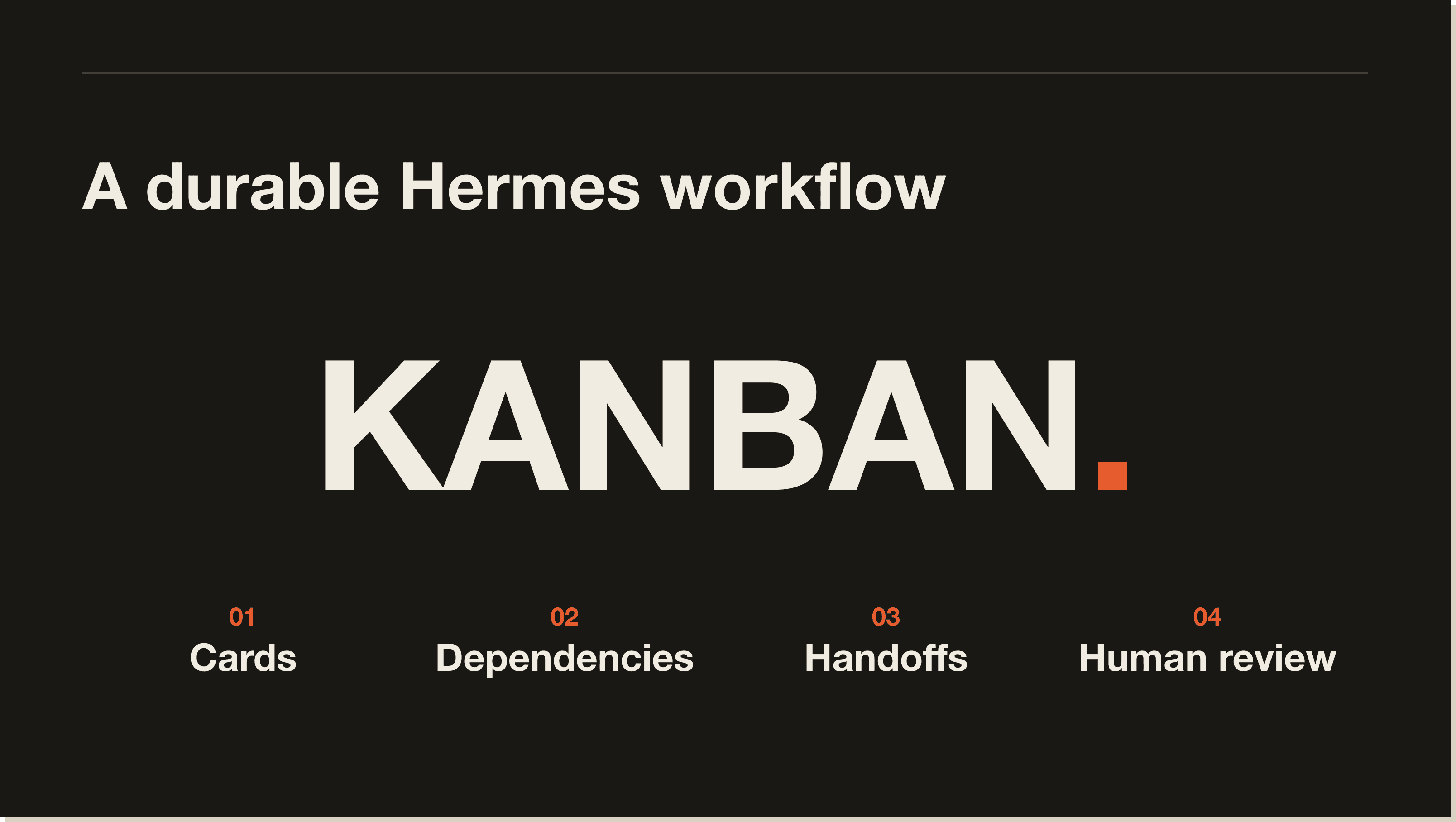
Hermes Kanban is a persistent task board for work that needs to survive beyond one chat session. Cards can hold dependencies, comments, attachments, attempt history and a named worker profile.
That makes it different from temporary delegation. A delegated sub-agent is useful when the parent session needs one result and can continue when it arrives. Kanban is useful when work needs to wait for another card, pause for human input or remain visible across several sessions.
I have tested the durable board and handoff history locally with the default profile. I have not run the six-profile client team below as a production system, so treat it as a setup pattern rather than a measured case study.
The official Hermes Kanban documentation describes the board as SQLite-backed. The official tutorial covers the current product workflow. Check those pages before copying a command because Hermes changes quickly.
Use Kanban when the work needs named ownership, visible dependencies and a clear stopping point for review.
A normal Hermes session is simpler for one research request or a short file task. A board becomes useful when an enquiry must be checked, researched, priced, reviewed and handed to onboarding without losing the evidence behind each decision.
The board should make the process easier to inspect. It should not turn one simple job into six agents passing prose around.
A client enquiry workflow can use six narrow profiles:
Six is a workflow choice, not a product requirement. Start with fewer profiles if one worker can own several steps without receiving unnecessary access.
Cloning a profile copies shared setup. A blank profile is safer when the role needs different credentials or narrower permissions. Reduce each worker's access before connecting real customer data.
The first useful split contains three independent cards:
Those cards can run together because each reads the original enquiry rather than another worker's output.
The proposal brief depends on all three. It should not start when only the research card happens to finish first. The dependency is the control that keeps the writer from drafting against partial evidence.
The proposal writer receives the approved brief and current template. The reviewer receives the proposal plus the original enquiry, pricing document and calendar check. If the price or delivery date cannot be verified, the reviewer blocks the card instead of filling the gap.
Keep approval where a mistake becomes expensive to undo.
The proposal writer can draft language. It should not approve a discount. The onboarding coordinator can prepare an email and calendar options. It should not send either one.
For a client workflow, keep these actions behind review:
A blocked card should include the exact sentence that failed, the source it conflicts with and the decision required from you. That is more useful than a generic request to review the whole document again.
Run the board manually with a dummy enquiry before you schedule it.
Test one missing price, one invalid date and one duplicate message ID. The correct result is a blocked card, a reported calendar conflict and one workflow rather than two.
After the manual run works, schedule one intake trigger. The trigger checks the agreed inbox or form, creates one root card per new enquiry and assigns it to the orchestrator. Use the source message ID or form response ID as the idempotency key so the same enquiry cannot create two boards.
The dependency graph controls when each specialist becomes eligible to work. The schedule only creates the root task.
Ask Hermes to show you the exact cron expression, source filter and self-contained prompt before it saves the job. Scheduled jobs run without the current chat context, so every instruction and source path must exist inside the saved prompt or attached skill.
Kanban preserves state. It does not repair weak business rules.
You still need a current pricing document, written qualification rules, a clear approval owner and a definition of acceptable evidence. The board can preserve a blocked task, but it cannot decide whether your commercial policy is sensible.
More profiles also add model calls, context and coordination. Split work only when the jobs are genuinely independent or need different permissions.
The useful first board is small. Use two or three workers, one real dependency and one human gate. Add roles after the handoffs work.
No. Temporary delegation is better when a parent session needs a quick result. Kanban is better when work must survive a restart, wait for another task, receive comments or pause for human approval.
The distinction is duration and state, not which feature sounds more advanced.
Five interactive lessons. Install Claude Code, build your first automation, and deploy it live on the internet — all in under an hour. Free, no coding required.
Grab the Blueprint →