← Back to Blog
Claude Code Checkpoints: How to Rewind a Bad Edit.
Claude Code checkpoints auto-save your code before each edit so you can rewind. Here's how /rewind works, what it tracks, and the one thing it doesn't.
Claude Code checkpoints auto-save your code before each edit so you can rewind. Here's how /rewind works, what it tracks, and the one thing it doesn't.
Claude Code checkpoints automatically capture the state of your code before each edit, so you can rewind to a previous state if a task goes sideways. You open the rewind menu with /rewind, or by pressing Esc twice when the prompt is empty, then pick the point you want to return to. It is a session-level undo for everything Claude changed.
I'm Tom, and checkpoints are the reason I let Claude Code take swings at ambitious, wide-scale edits. I know I can always walk it back. This post covers how checkpointing works, the difference between restoring and summarizing, and the one important thing it does not track, which trips people up.
[CTA-BLUEPRINT]
Claude Code checkpoints are automatic snapshots of your code taken before each of Claude's edits. Every prompt you send creates a new checkpoint, and they persist across sessions, so you can rewind even in a resumed conversation. They are cleaned up along with sessions after 30 days by default, which is configurable.
The point is a safety net. When you ask Claude for a big, multi-file change, checkpointing captures where things were before, so a result that breaks something is a quick undo rather than a manual cleanup. Think of it as local undo for the agent, sitting alongside, not replacing, your version control.
Claude Code tracks every change made by its file-editing tools and snapshots the prior state before applying each edit. You do not turn anything on. It happens automatically as you work, and the checkpoints attach to the session so they survive a restart or a resume.
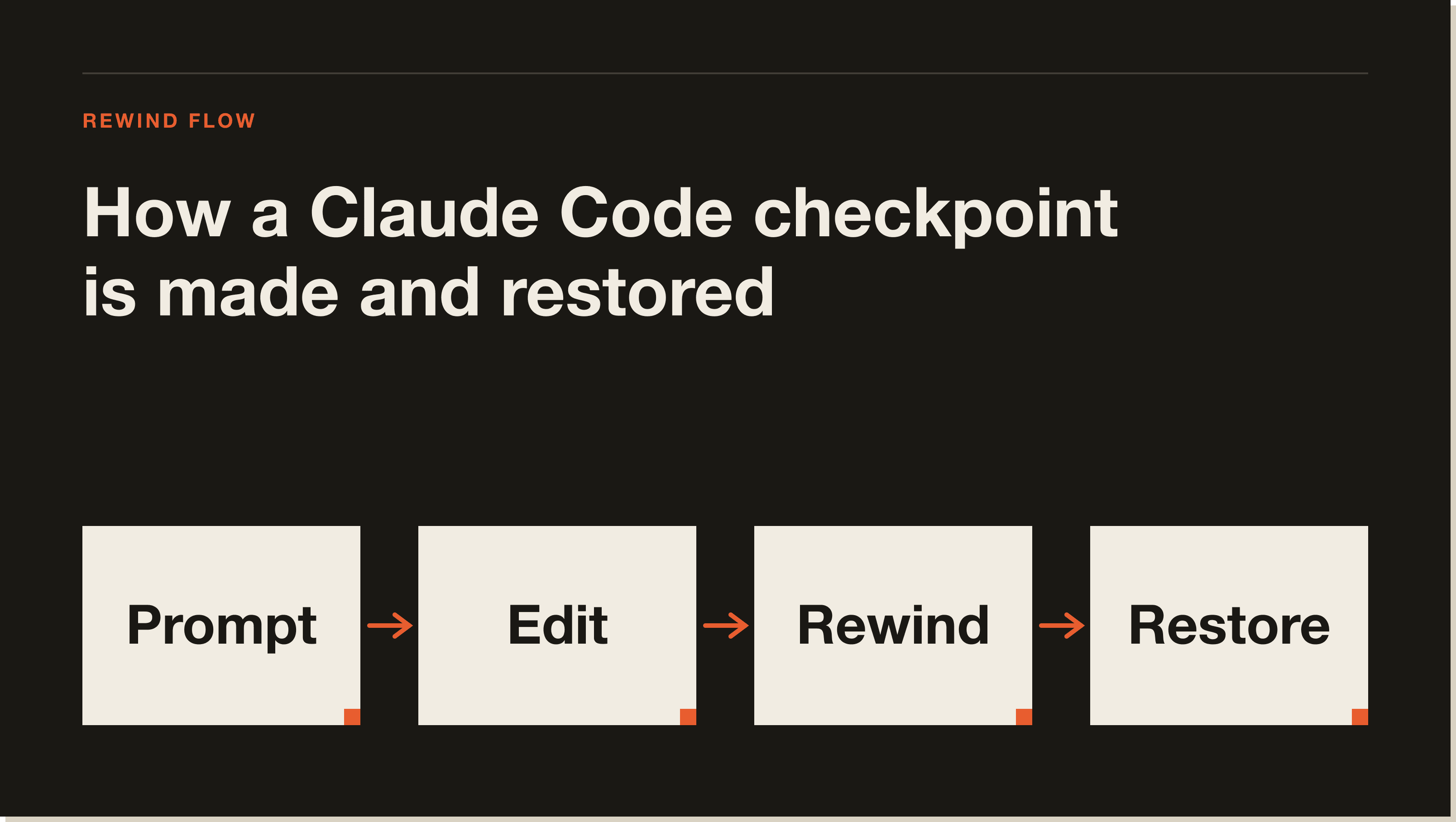
To rewind, run /rewind or press Esc twice on an empty prompt to open the rewind menu. One catch worth knowing: if the prompt has text in it, double Esc clears that text instead of opening the menu. The cleared text is saved to your input history, so press Up to get it back. The menu then lists every prompt you sent in the session, and you pick the point you want to act on.
The rewind menu gives you two families of action, and they do very different things. The restore options revert state. The summarize options compress conversation without touching your files. Knowing which is which saves you from undoing work you meant to keep.
The restore options are the undo. Restore code and conversation reverts both back to the chosen point. Restore conversation rewinds the chat while keeping your current code. Restore code reverts the file changes while keeping the conversation, which is the one I use most when an approach produced bad code but the discussion getting there was still useful.
The summarize options are about context, not undo. Summarize from here replaces the selected message and everything after it with a summary, keeping earlier context in full. Summarize up to here compresses everything before the selected message and leaves recent work intact. Both compress the conversation to free up context window space, similar to /compact but targeted at one side of the point you pick. For more on managing context, see my Claude Code memory guide.
Here is the full menu at a glance:
If you want to branch off and try a different approach while keeping the original session fully intact, use a fork instead of a rewind: run claude --continue --fork-session. Fork preserves the original session, where summarize compresses it in place.
Checkpoints earn their keep in four situations: exploring alternatives, recovering from mistakes, iterating on a feature, and freeing context space. The mental model that works for me is to take bigger swings because the floor is protected. If a refactor goes wrong, I am one /rewind away from where I started rather than reconstructing it by hand.
The workflow pairs naturally with plan mode and the rest of the agent loop. Let Claude attempt the ambitious version, review the diff, and if it is wrong, rewind the code and try a different prompt. The original prompt from the message you select is restored to the input field, so you can edit and re-send it. For the surrounding workflow, my how to use Claude Code guide and my Claude Code commands reference cover the commands that go with it.
[CTA-BLUEPRINT]
The single most important limitation: checkpoints do not track files changed by bash commands. If Claude runs rm, mv, or cp, those changes cannot be undone through rewind, because only direct edits through Claude's file-editing tools are tracked. This is the gotcha that bites people who assume rewind is a full undo. It is not.
Two more boundaries matter. Checkpoints only track files edited in the current session, so manual changes you make outside Claude Code, or edits from a concurrent session, are usually not captured. And checkpoints are not a replacement for version control. They are session-level recovery, the local undo. Git is still your permanent history, your branches, and your collaboration layer. I treat checkpoints as the fast undo within a session and git as the real safety net, and I commit often regardless. If you want to skip approval prompts during these fast iterations, do it carefully: see Claude Code dangerously skip permissions.
Run /rewind, or press Esc twice when the prompt input is empty, to open the rewind menu. Select the prompt you want to return to, then choose to restore code, conversation, or both. If the prompt has text in it, double Esc clears the text instead, so clear it first or use the /rewind command.
Yes. Checkpointing is automatic. Claude Code captures the state of your code before each edit with no setup, creates a checkpoint on every prompt, and persists them across sessions. They are cleaned up with their session after 30 days by default, which you can configure.
No. Checkpoints do not track files modified by bash commands like rm, mv, or cp. Only direct edits made through Claude's file-editing tools are tracked and reversible. For anything a bash command changed, you need version control or a manual fix.
Restore reverts state: it undoes code changes, conversation history, or both, depending on which option you pick. Summarize does not touch your files at all. It compresses part of the conversation into a summary to free up context window space, either from the selected message forward or up to it.
No. Checkpoints are designed for quick, session-level recovery, the local undo within a Claude Code session. Git remains your permanent version history, branching, and collaboration layer. Use both: checkpoints for fast in-session reverts, Git for commits and long-term history.
Yes. Checkpoints persist across sessions, so you can access them in a resumed conversation. They are automatically cleaned up along with their session after 30 days by default, and that retention period is configurable.
/rewind command and related session controls.--fork-session to branch instead of rewind.Checkpoints are what let you hand Claude Code the big jobs without fear. If you want the guided path from zero to a real build, my free Claude Code Blueprint walks you through your first project in about sixty minutes, no coding required.
Five interactive lessons. Install Claude Code, build your first automation, and deploy it live on the internet — all in under an hour. Free, no coding required.
Grab the Blueprint →