← Back to Blog
Supabase MCP for Claude Code: Setup and What It Does.
The Supabase MCP server lets Claude Code query your database, run migrations, and read logs. Here's how I add it and what I actually use it for.
Get your free AI audit.
Book a call →The Supabase MCP server lets Claude Code query your database, run migrations, and read logs. Here's how I add it and what I actually use it for.
The Supabase MCP server connects Claude Code directly to your Supabase project so it can query your database, inspect and change your schema, run migrations, read logs, and generate types, all from the terminal. It turns "write me a migration" into "write the migration, run it against my real schema, and check it worked."
I run the official Supabase MCP server in Claude Code, added in one command, and I use the full surface of it: querying data, managing schema and migrations, building app features, and pulling logs when something breaks. I'm Tom, and this is the setup I use plus the honest version of what the integration is good and bad at. If you want the wider picture first, this is one server in my best MCP servers for Claude Code stack.
[CTA-BLUEPRINT]
The Supabase MCP server is an official connector that exposes your Supabase project to AI tools through the Model Context Protocol. Supabase maintains it, and it runs as a remote server hosted by Supabase rather than something you install locally. Once it is wired into Claude Code, the agent gets a menu of real actions against your project: list tables, run SQL, apply a migration, fetch logs, generate TypeScript types, and more.
In plain terms, it is the difference between Claude guessing about your database and Claude reading it. Without the server, Claude writes a migration against the schema it imagines you have. With it, Claude lists your actual tables, writes the migration against what is really there, and can run it and confirm the result. For the underlying protocol mechanics, my Claude Code MCP guide covers how MCP works in general.
The Supabase MCP is a remote HTTP server. Claude Code connects to it over a URL at mcp.supabase.com, and you authenticate with a Supabase personal access token passed as a bearer header. You scope it to a single project with a project_ref parameter, so the agent only ever sees the project you point it at. This is different from a local server like Filesystem, which runs as a process on your machine. The Supabase server runs on Supabase's side, and Claude Code just talks to it.
Two parameters shape how safe and focused it is. The project_ref=<id> parameter locks the connection to one project. The read_only=true parameter forces every query to run as a read-only Postgres user, so the agent can look but not change anything. You bolt these onto the server URL, and they are the difference between a tightly scoped helper and a wide-open connection.
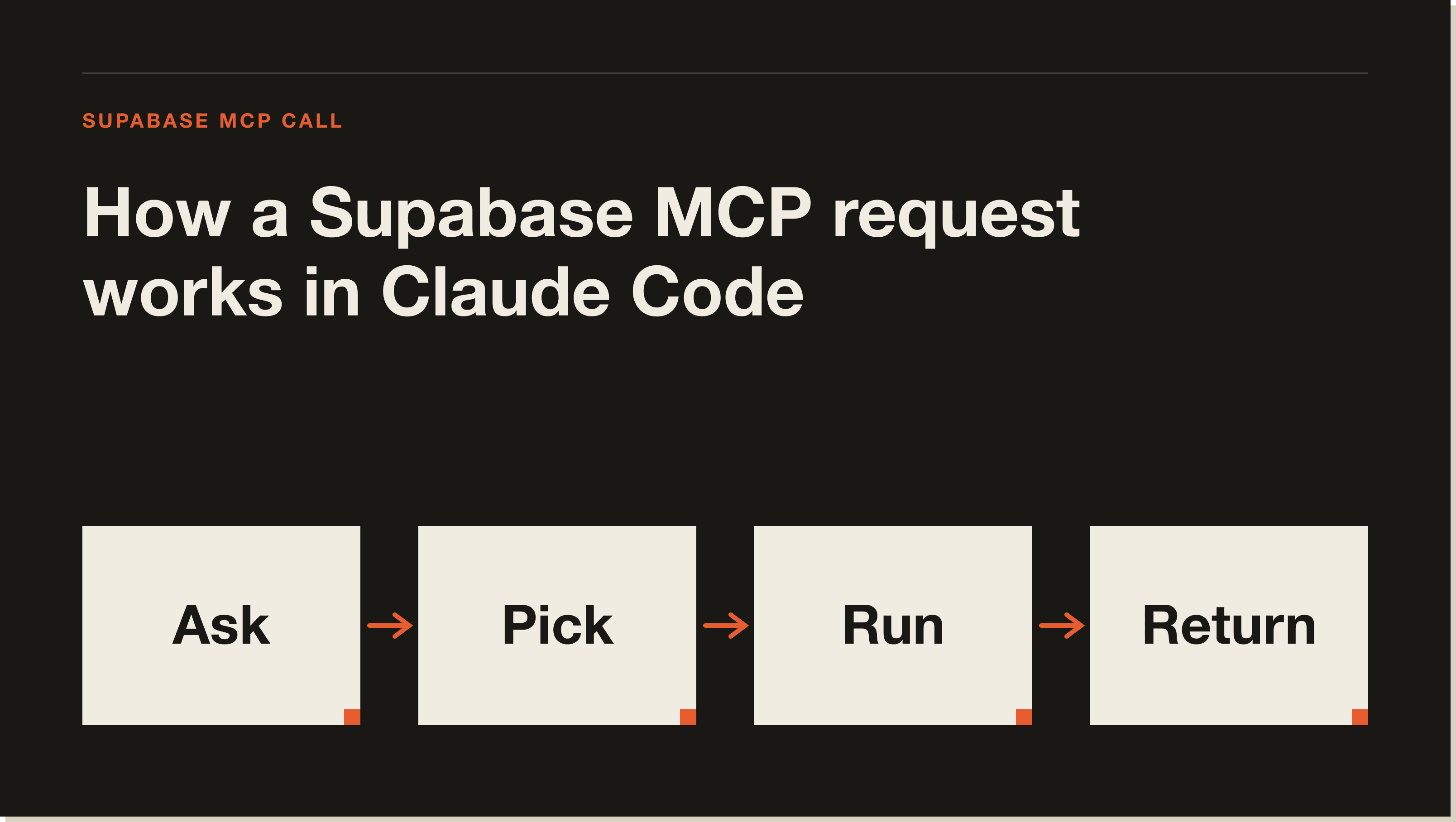
Adding the Supabase MCP takes four steps. This is the official server, and the whole thing is a couple of minutes.
Go to your Supabase access tokens page and create a personal access token. This is what authenticates Claude Code to your account. Treat it like a password and keep it out of any file that goes near version control. Store it in your shell environment as something like SUPABASE_ACCESS_TOKEN.
Run claude mcp add with the HTTP transport, the Supabase URL scoped to your project, and the token as an auth header:
claude mcp add --transport http supabase \
  "https://mcp.supabase.com/mcp?project_ref=YOUR_PROJECT_REF&read_only=true" \
  --header "Authorization: Bearer ${SUPABASE_ACCESS_TOKEN}"
Swap YOUR_PROJECT_REF for your project's reference id. The command writes the entry into your config so you do not have to edit JSON by hand.
Keep read_only=true in the URL whenever the agent is touching real data you care about. Drop it only when you actually want Claude to write, such as applying migrations against a development project. The project_ref parameter should always be set, so the connection can never wander into another project by accident.
Run claude mcp list to check the server's health. A green check means Claude Code reached it. If it shows "needs authentication," complete the auth flow and re-run the check. Once it is green, ask Claude something simple like "list my tables" to confirm the tools are live.
I use the Supabase MCP across the full lifecycle of building on Supabase, not just one trick. Four jobs come up constantly. The first is querying and inspecting the database, where I ask Claude to pull real rows or describe a table instead of opening the dashboard. The second is schema and migrations, where Claude writes a migration against my actual tables and applies it, then I confirm the change landed.
The third is building app features end to end, where the agent reads the schema, writes the data layer, and generates matching TypeScript types so the front end and the database stay in sync. The fourth is debugging, where I have Claude pull logs and run the advisors to find what is slow or misconfigured. That last one is the quiet winner. Asking "check the logs and tell me why this query is failing" and getting a real answer from the real project beats guessing every time.
The server groups its tools by job, and knowing the groups helps you reason about what you are granting access to. The main ones are worth knowing before you wire it in.
list_tables, list_extensions, list_migrations, apply_migration, and execute_sql for reading and changing the database.get_logs and get_advisors for diagnosing issues and surfacing security or performance warnings.get_project_url, get_publishable_keys, and generate_typescript_types for wiring an app to the project.Storage tools are disabled by default, and you can use the features parameter to enable only the tool groups you actually need, which keeps the surface small.
The biggest caveat is not a flaw in the server, it is a rule you have to follow: do not point it at production. Supabase says it plainly, and so do I. Use the MCP server with a development project, keep read_only=true on whenever it touches real data, and use a database branch to test anything risky. An agent with write access to your production database is convenient right up until a bad migration runs against live customer data.
The other cost is the usual MCP tax. Every tool the server exposes adds its definition to Claude's context window, so enabling every feature group on a project you barely touch is wasted context. Scope it with project_ref, trim the feature groups you do not use, and keep it lean. For more on that trade-off, and the rest of my stack, see best MCP servers for Claude Code, and for two more official connectors worth adding, my GitHub MCP and Playwright MCP guides.
[CTA-BLUEPRINT]
Create a Supabase personal access token, then run claude mcp add --transport http supabase with the mcp.supabase.com URL scoped to your project_ref and the token as a bearer Authorization header. Run claude mcp list to confirm it connected. The whole setup takes a couple of minutes because it is a hosted server, not a local install.
Yes. Supabase maintains the Supabase MCP server officially and hosts it as a remote server at mcp.supabase.com. Using the official server is safer than a community fork because you know exactly who maintains it and what actions it exposes.
It lets Claude Code list and query tables, run SQL, apply migrations, read logs, run security and performance advisors, generate TypeScript types, and manage Edge Functions. In practice that covers inspecting your data, changing your schema, building app features against the real project, and debugging issues.
It is safe when scoped correctly. Keep read_only=true on for real data, always set project_ref to lock it to one project, and never connect it to production. Supabase recommends using a development project and database branches for anything risky. The token authenticates full account access, so treat it like a password.
You need a personal access token to authenticate in a setup like Claude Code's, where you pass it as a bearer header. Create it on your Supabase access tokens page and store it in your shell environment rather than in any committed file. The token is what lets the hosted server act on your account.
Yes. The apply_migration tool lets Claude Code write and run a migration against your project, and list_migrations shows what has already run. Do this against a development project with write access enabled, not production, and confirm the change afterward. Pairing it with database branching keeps risky migrations isolated.
Wiring the Supabase MCP into Claude Code is the moment the agent stops guessing about your backend and starts working against the real thing. If you want the guided path from zero to a working build, my free Claude Code Blueprint walks you through your first real project in about sixty minutes, no coding required.
Five interactive lessons. Install Claude Code, build your first automation, and deploy it live on the internet — all in under an hour. Free, no coding required.
Grab the Blueprint →