← Back to Blog
GitHub MCP for Claude Code (my setup).
The GitHub MCP server lets Claude Code work your repos: pull requests, reviews, issues, code search, and CI. Here's how to set it up and what it's for.
Get your free AI audit.
Book a call →The GitHub MCP server lets Claude Code work your repos: pull requests, reviews, issues, code search, and CI. Here's how to set it up and what it's for.
The GitHub MCP server lets Claude Code work directly with your GitHub repositories: open and review pull requests, file and triage issues, read code across branches and repos, and check CI status, all from the terminal. It is GitHub's official Model Context Protocol server, and it turns Claude from something that writes code into something that can also move it through your workflow.
This is one of the servers I actually run in my own .mcp.json, every day, across every repo. Below is the real setup, what I use it for, how it differs from the Claude Code GitHub Action, and where it falls short.
The GitHub MCP server is the official connector that exposes GitHub's API to Claude Code as a set of callable tools. It hands Claude actions like "list pull requests," "create issue," "get file contents," and "check workflow runs," so Claude can read and act on your repositories without you copying anything back and forth.
One quick disambiguation, because two GitHub integrations get confused. The GitHub MCP server runs inside your Claude Code session and lets Claude reach into GitHub while you work. That is different from the Claude Code GitHub Action, which runs Claude inside GitHub's CI to review pull requests automatically. This post is about the MCP server. It is part of the wider MCP server stack as the repo-and-workflow piece.
The GitHub MCP server works by connecting Claude Code to GitHub's API over an authenticated HTTP connection. You point Claude at GitHub's hosted server URL and pass a token, and Claude gains a menu of GitHub actions it can call during a session.
GitHub offers it as a remote server, which means there is nothing to install on your machine. You add the URL and an authorization header, and the server runs on GitHub's side. Claude calls a tool, the server runs it against your real repositories with your token's permissions, and the result comes straight back into the conversation. Because it uses your token, Claude can only do what you are allowed to do, which keeps the blast radius scoped to your access.
I keep the GitHub server loaded because it covers the whole second half of a build, the part after the code is written. Four jobs earn it a permanent slot in my stack.
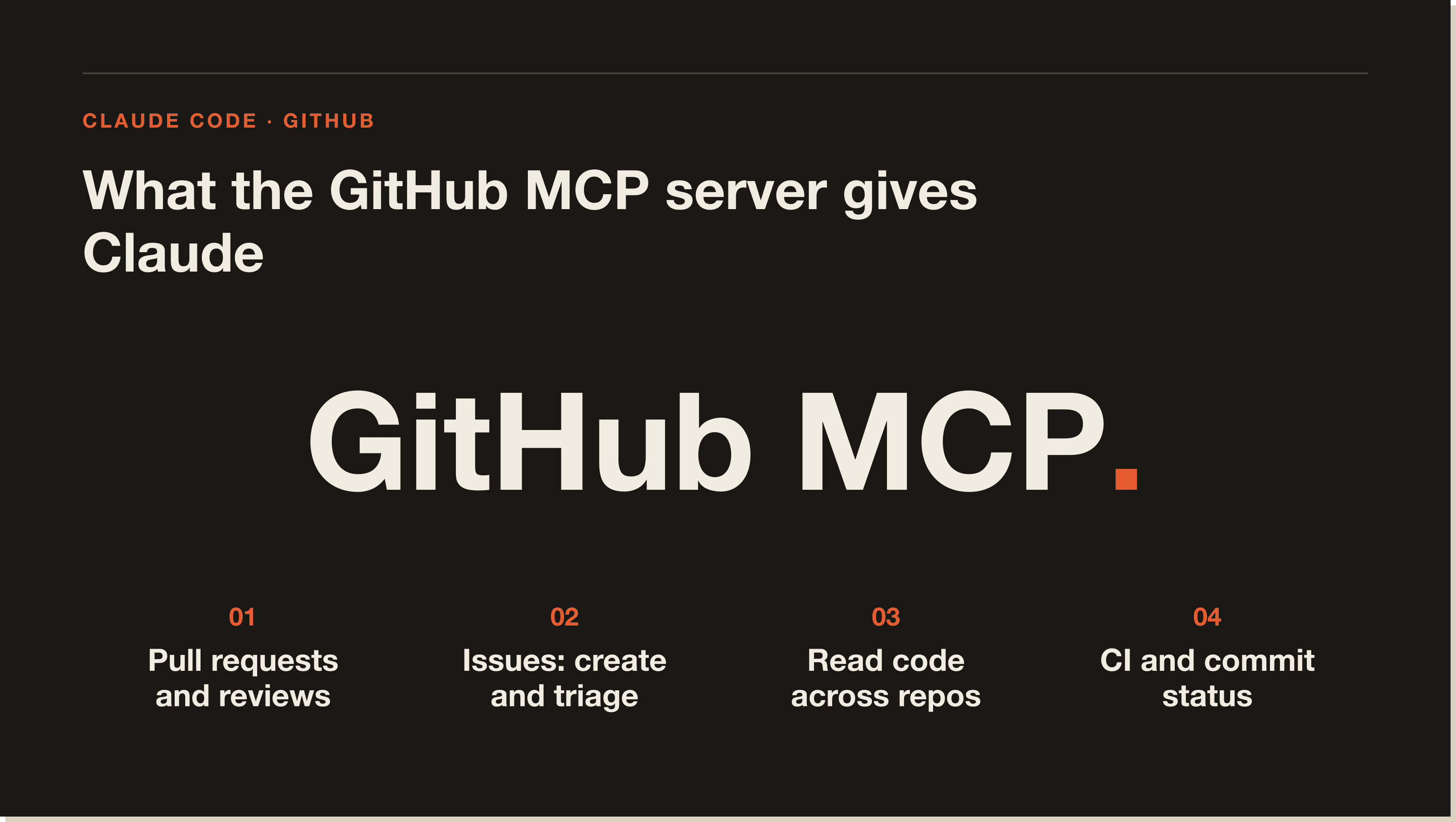
Pull requests and reviews are the big one. Claude can open a pull request, read the diff, and walk through a review without me leaving the terminal. Issues are the second, Claude files and triages them while we work, so a "we should fix this later" becomes a real tracked issue instead of a lost thought. Third is reading code across repos, pulling file contents and searching branches when a change spans more than the repo I happen to be in. Fourth is CI and commits, checking workflow status and recent commits so Claude knows whether the last push is green before it builds on it.
Here is the project-scoped entry from my .mcp.json, with the token kept in an environment variable so nothing sensitive sits in the file:
{
  "mcpServers": {
    "github": {
      "type": "http",
      "url": "https://api.githubcopilot.com/mcp/",
      "headers": { "Authorization": "Bearer ${GITHUB_MCP_TOKEN}" }
    }
  }
}Adding the GitHub server takes one command plus a token. It is a remote server, so there is nothing to install locally.
Generate a GitHub personal access token with the scopes the server needs, repo access for code and pull requests, and any extra scopes for issues or actions you want Claude to reach. Give it the least access that covers your use, since Claude inherits exactly those permissions.
Run claude mcp add with the HTTP transport, GitHub's server URL, and your token in the authorization header:
claude mcp add --transport http github https://api.githubcopilot.com/mcp/ \
  --header "Authorization: Bearer YOUR_GITHUB_TOKEN"
Keep the real token in your shell environment or a gitignored .env and reference it as ${GITHUB_MCP_TOKEN} in .mcp.json, rather than pasting it into a file that could land in version control.
Add --scope project to write the server into the repo's .mcp.json so your whole team inherits it, or --scope user to make it follow you across every project. I run GitHub in user scope because nearly every repo benefits from it.
Run claude mcp list and look for a green check next to github. A "needs authentication" flag means the server loaded but the token did not take, so re-check the header. Once it is green, ask Claude something like "list the open pull requests on this repo" to see it work.
These two GitHub integrations do different jobs, and picking the right one comes down to where Claude runs. The GitHub MCP server runs in your local Claude Code session and lets you drive GitHub interactively while you build. The GitHub Action runs Claude inside GitHub's CI and reacts to events like a new pull request, automatically and without you present.
Use the MCP server when you want Claude working your repos alongside you, opening pull requests, triaging issues, searching code. Use the GitHub Action when you want hands-off automation, like an auto-review that comments on every pull request. They stack well together: the MCP server for the interactive build loop, the Action for the always-on guardrail.
Yes. The GitHub MCP server is free and open source, and GitHub hosts the remote version at no cost. You authenticate with your own GitHub account and token, so you are working within whatever GitHub plan you already have. The only running cost is the Claude Code tokens spent calling its tools, which is part of your normal Claude usage.
The GitHub server is only as safe as the token you give it. A broad token means Claude can touch anything that token can, so an over-scoped credential is the real risk here. Scope the token tightly, prefer fine-grained tokens limited to the repos you want, and never hand it write access it does not need.
The other cost is context. The GitHub server exposes a large tool set, which is exactly why it is useful, but it also means it adds real weight to the context window. On a project that never touches GitHub, that is wasted overhead, so scope it where it earns its place. And like any remote server, it occasionally drops its connection or needs a token refresh, which shows up as a "needs authentication" flag in claude mcp list.
Yes, for anyone who ships code through GitHub with Claude Code. It closes the loop between writing code and moving it, pull requests, issues, reviews, and CI, without leaving the terminal. It is one of the first three servers I would install, next to Context7 and the Playwright server, and it is the one I would keep if I could only keep one.
It is not worth loading on a project that never touches GitHub, where it is just context overhead. Scope the token tightly, run it in user scope so it follows you, and let it own the half of the work that starts once the code is written.
The GitHub MCP server is GitHub's official Model Context Protocol connector. It exposes GitHub actions, pull requests, issues, code search, and CI, as tools that an AI client like Claude Code can call, so Claude can read and act on your repositories directly.
Run claude mcp add --transport http github https://api.githubcopilot.com/mcp/ --header "Authorization: Bearer YOUR_TOKEN", using a GitHub personal access token scoped to what you want Claude to reach. Then run claude mcp list to confirm it shows a green check.
Yes. The server is free and open source, and GitHub hosts the remote version at no cost. You use your own GitHub account and token, so you operate within your existing GitHub plan. The only extra cost is the Claude Code tokens spent calling its tools.
The GitHub MCP server runs in your local Claude Code session and lets you work GitHub interactively. The Claude Code GitHub Action runs Claude inside GitHub's CI to react to events like new pull requests automatically. One is interactive, the other is hands-off automation, and they work well together.
It uses a GitHub personal access token, and it can do exactly what that token allows. Give it the least access that covers your use, repo scope for code and pull requests, plus issues or actions scopes only if you want Claude to reach those. Fine-grained tokens limited to specific repos are the safest option.
A "needs authentication" flag in claude mcp list usually means the token is missing, expired, or not passed correctly in the authorization header. Re-check the header value, confirm the token has the right scopes, and re-add the server if needed.
The GitHub server is one piece of a stack. The real win is wiring Claude Code into the tools your work runs on, your repo, your browser, your database, then letting it do the work while you direct. Start with the best MCP servers for Claude Code and add the GitHub server the moment your work ships through GitHub.
If you want the guided version, my free Claude Code Blueprint walks you through your first real build in about sixty minutes, no coding required.
Five interactive lessons. Install Claude Code, build your first automation, and deploy it live on the internet — all in under an hour. Free, no coding required.
Grab the Blueprint →