Claude Code Multi-Agent: Orchestration Patterns That Work in 2026.
Multi-agent orchestration in Claude Code means splitting work across coordinated Claude sessions. Here are the three patterns that work and the one decision that determines which to use.
Multi-agent orchestration in Claude Code means running more than one Claude session on the same goal, with each session handling a piece of the work. Done right, it cuts hours off complex tasks. Done wrong, you get sessions stepping on each other, duplicate work, and conflicts that are harder to debug than the original problem.
There are three patterns worth knowing: subagents for context isolation, agent teams for inter-agent coordination, and /batch for mechanical parallelism at scale. The right pattern depends on one question.
I'm Tom. I teach Claude Code operators how to build production workflows, and I spent time with the Anthropic multi-agent documentation to pull out what actually determines which pattern to reach for.
Subagents isolate context. Agent teams coordinate. /batch runs 5–30 parallel workers on mechanical changes.
The one question that determines your approach.
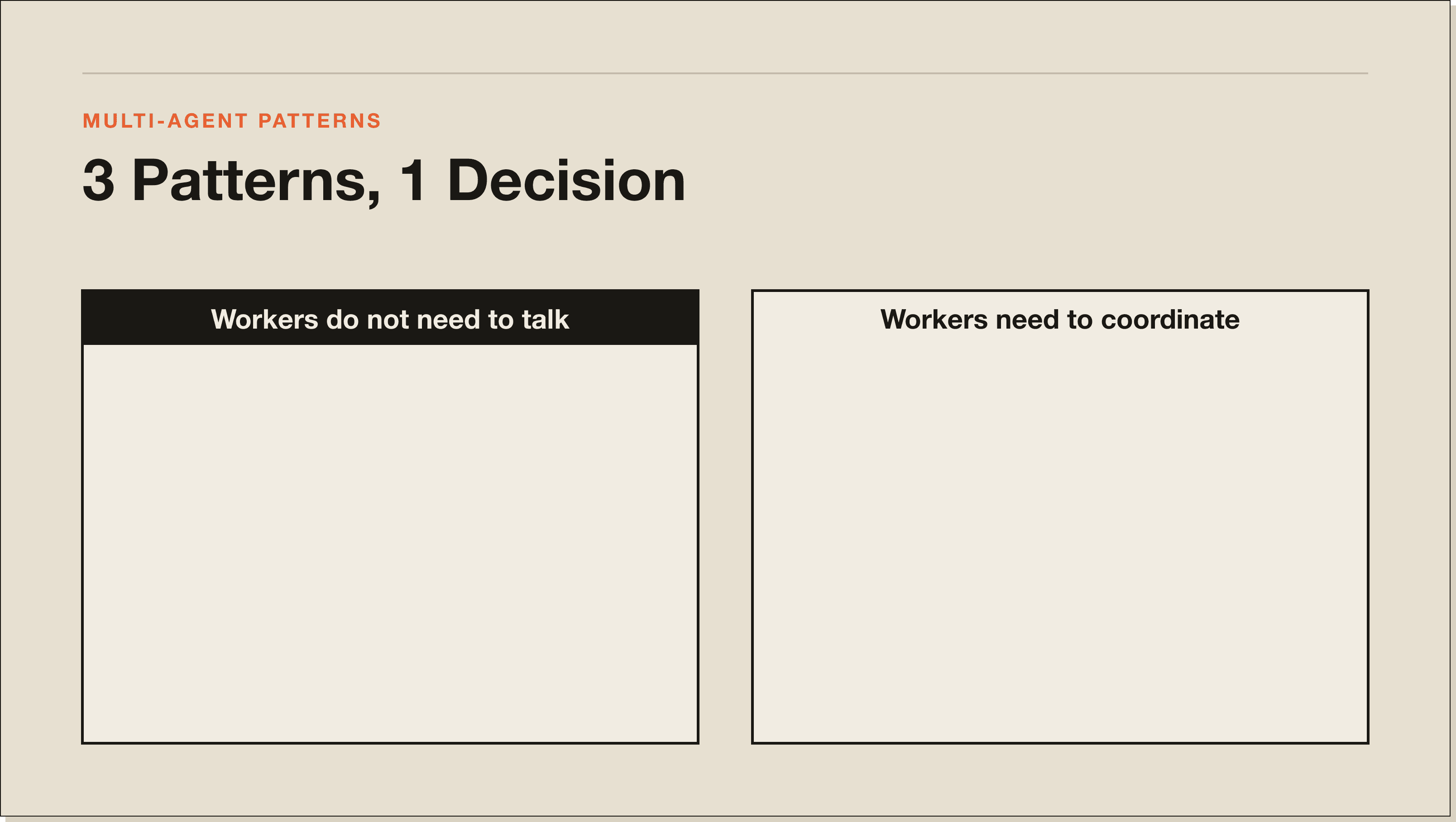
Do the workers need to talk to each other?
If no, use subagents or /batch. Each worker runs independently, returns a result, and does not need to know what the others did.
If yes, use agent teams. Agent teams give each worker a shared task list and a direct messaging channel to other workers in the team. They can coordinate without routing everything through you.
That is the core decision. The rest is detail.
Pattern 1: Subagents for context isolation.
A subagent runs in its own context window, does a task, and returns a summary. The main session stays clean. No search results, no file reads, no debugging output from the side task bleeding into your main conversation.
This matters more than it seems. A context window that fills with research and exploration gets expensive and starts producing lower-quality responses as Claude tries to reason across too much noise. Subagents prevent that by keeping side work in a separate window.
Use subagents when the tasks are independent and the results can be collected and used in the main session. Research tasks, test runs, file processing, and linting checks are all natural subagent work.
You can also control costs at the subagent level. Route a cheap, mechanical task to Haiku instead of Opus in the subagent's frontmatter. The main session uses Opus for reasoning while the subagent uses a faster, cheaper model for volume work.
Agent teams go further than subagents. A lead agent creates a team, creates a shared task list, and spawns teammates. Each teammate claims tasks from the list, marks them done, and messages other teammates directly when it needs to coordinate.
Cole Medin, who has published real agent team demos, describes the difference clearly. Subagents only report back to the conversation that spawned them. Agent teams let workers talk to each other.
The practical use case is work that has interdependencies. If you are building a feature that needs a back-end change, a front-end change, and tests, those three pieces are related. The front-end worker needs to know what the back-end worker built. Agent teams handle that handoff. Subagents do not.
Agent teams are experimental and disabled by default. Enable them by adding CLAUDE_CODE_EXPERIMENTAL_AGENT_TEAMS to your settings.json env block. You need Claude Code v2.1.32 or later.
One critical constraint: agent teams do not isolate workers in separate worktrees. If two teammates edit the same file at the same time, they will conflict. Partition the work so each teammate owns a clearly separate set of files before you start.
/batch is a Claude Code command that splits a large mechanical change into 5 to 30 worktree-isolated subagents, each of which makes the change in its own isolated git checkout and opens a pull request.
This is the right tool for repo-wide migrations: renaming a function across 40 files, updating a deprecated API pattern throughout a codebase, or applying a consistent structural change to every module.
The key feature is isolation. Each subagent gets its own worktree so they cannot interfere with each other's changes. Each opens its own PR so you can review and merge the pieces independently.
/batch is not for creative or reasoning-heavy work. It is for describing a mechanical change in one instruction and letting 5 to 30 workers execute it in parallel. The workers do not need to coordinate. They each do the same thing in a different part of the codebase.
Worktrees: the underlying isolation mechanism.
Subagents, agent teams, and /batch all rely on worktrees for file isolation. A worktree is a separate git checkout in its own directory. Parallel sessions can each work in their own checkout without touching each other's files.
Agent view (the background session monitor you open with claude agents) creates worktrees automatically before background sessions edit files. For manual parallel work, you can create worktrees yourself with git worktree add.
The most common multi-agent mistake is running parallel sessions without worktrees on a codebase where they edit overlapping files. The second session overwrites the first session's changes. Use worktrees any time parallel sessions might touch the same files.
What multi-agent does not solve.
Multi-agent makes parallel work faster. It does not make bad architecture faster to debug. If you split work into agents before understanding the problem, you get multiple agents heading in the wrong direction at once.
Plan mode first, agents second. Run the task in plan mode, review what Claude intends to do, confirm the approach makes sense, then delegate to agents. The planning step is where wrong assumptions surface cheaply rather than after parallel sessions have run in four different wrong directions.
Multi-agent cost reality.
Every session in a multi-agent setup multiplies your token usage. Running 10 subagents in parallel uses quota roughly 10 times as fast as a single session.
Manage this deliberately. Route mechanical subagent tasks to Haiku. Keep agent teams small: 3 to 4 workers is enough for most tasks. Use /batch for scale when the work is truly mechanical. Do not spin up 15 agents because more feels like more.
Claude Code multi-agent FAQ.
How many agents can I run at once in Claude Code?
There is no hard limit on the number of agents. Practical limits come from rate limits and subscription quota. Running many agents simultaneously multiplies your token usage proportionally.
Do I need a paid plan for multi-agent?
Yes. Multi-agent features, including subagents, agent view, and agent teams, require a paid Claude plan. Agent teams specifically require Claude Code v2.1.32 or later.
Can subagents use different models?
Yes. Set the model in a custom subagent's frontmatter. This lets you run a main session on Opus while subagents doing cheaper work run on Haiku.
Is /batch the same as agent teams?
No. /batch splits a single mechanical change into isolated, non-communicating parallel workers. Agent teams create coordinated workers that share a task list and message each other. Use /batch for mechanical changes, agent teams for work that requires coordination.
How do I prevent agents from overwriting each other's work?
Use worktrees. Each agent gets its own isolated git checkout. Changes in one worktree cannot affect another. Agent view creates worktrees automatically. For manual parallel sessions, create them with git worktree add.
Ship faster without the chaos.
Multi-agent is about speed with structure, not just running more Claude sessions at once. The structure is what keeps it from becoming a debugging problem bigger than the original task.
Subagents for isolated side work. Agent teams when workers need to coordinate. /batch for repo-wide mechanical changes. Worktrees everywhere parallel sessions touch the same files.
Five interactive lessons. Install Claude Code, build your first automation, and deploy it live on the internet — all in under an hour. Free, no coding required.