← Back to Blog
Claude Code Notifications: Get Alerted When It's Done.
Claude Code notifications alert you when a task finishes or needs permission. Enable the terminal bell, desktop alerts, or a custom sound hook.
Get your free AI audit.
Book a call →Claude Code notifications alert you when a task finishes or needs permission. Enable the terminal bell, desktop alerts, or a custom sound hook.
Claude Code notifications are alerts Claude Code fires when a task finishes or when it pauses to ask for permission, so you can step away during a long run and get pinged the moment it needs you. They show up as a desktop notification, a terminal bell, or a custom sound you wire up yourself.
I'm Tom. I run Claude Code most of the day, with agent push notifications switched on and hooks wired into my own settings file. The problem this solves is real: you kick off a big refactor, tab away to do something useful, and then lose ten minutes because you forgot Claude was sitting there waiting for a yes or no. This post covers every way to get notified, which one fits which terminal, and the single setting that fixes it for almost everyone.
[CTA-BLUEPRINT]
Claude Code notifications are the alerts the CLI sends when it finishes a task or stops to wait for your input. The trigger is an internal notification event. Claude fires it at two main moments: when a long task completes, and when a permission prompt appears and needs you to approve or deny an action.
By default the behaviour depends entirely on your terminal. Claude Code sends a real desktop notification only in Ghostty, Kitty, and iTerm2. In every other terminal, including the VS Code integrated terminal and Warp, the default does nothing at all. That single fact explains most of the "my notifications don't work" confusion. You are not broken, your terminal just is not on the default list.
Claude Code fires one notification event, and you choose how that event reaches you. There are three delivery channels: a desktop notification, the terminal bell, and a custom Notification hook. They are not mutually exclusive. A hook runs alongside the built-in notification rather than replacing it.
The desktop notification also travels over SSH, so a session running on a remote box can still alert your local machine. Ghostty and Kitty forward it to your operating system's notification centre with no extra setup. iTerm2 needs one box ticked first, which I cover below.
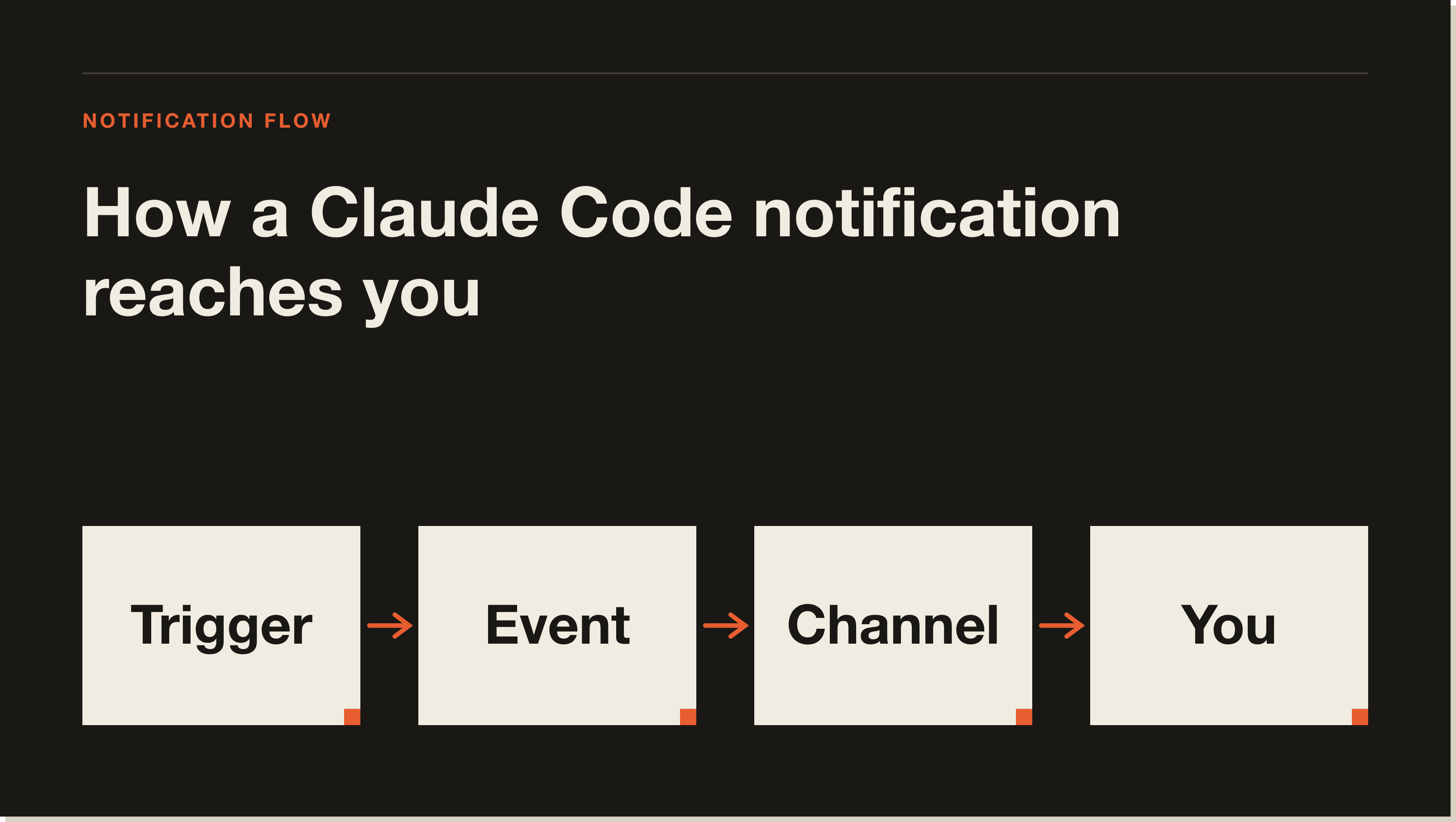
The event has no power to block or change what Claude does. It exists purely for side effects: ring a bell, pop a desktop alert, play a sound, write a log line. Under the hood it carries a message field describing what happened, for example Permission required: Read file 'config.json'. That message is what a custom hook can read and surface however you like.
One setting governs the built-in behaviour: preferredNotifChannel. It lives in ~/.claude/settings.json and also appears in /config as Notifications. The accepted values are auto, terminal_bell, iterm2, iterm2_with_bell, kitty, ghostty, and notifications_disabled. The default is auto, which sends a desktop notification in iTerm2, Ghostty, and Kitty and does nothing everywhere else.
Getting notified takes one of four moves depending on your terminal. Work down this list in order and stop at the first one that fits your setup.
If you use Ghostty, Kitty, or iTerm2, you may already be done. Run a task, tab away, and see whether a desktop notification lands. Ghostty and Kitty work out of the box. iTerm2 needs the forwarding step in section 3. If a notification arrives, you have nothing left to configure.
For any other terminal, the fastest universal fix is the terminal bell. Add this to ~/.claude/settings.json:
{
  "preferredNotifChannel": "terminal_bell"
}
This rings the bell character in any terminal when Claude finishes or needs input. Most terminals turn that bell into either an audible beep or a visual flash, depending on your terminal's own bell settings. It is the one change that works almost everywhere, which is why it is the answer I give most people.
iTerm2 can show real desktop notifications, but it ignores the escape sequence until you allow it. Open Settings, then Profiles, then Terminal. Check Notification Center Alerts, click Filter Alerts, and enable Send escape sequence-generated alerts. Once that is on, iTerm2 forwards Claude Code's notifications to the macOS Notification Center like Ghostty and Kitty do.
If you run Claude Code inside tmux, notifications never reach the outer terminal by default. tmux swallows them. Add this line to ~/.tmux.conf, then run tmux source-file ~/.tmux.conf to apply it:
set -g allow-passthrough onThe passthrough setting lets notifications and progress updates pass through tmux to the terminal that can actually display them. Without it, no channel will reach you while you are inside a tmux session.
A Notification hook lets you run any command when Claude needs your attention, in any terminal, regardless of preferredNotifChannel. This is the most flexible option and the one worth learning if you live in the CLI. On macOS the simplest version plays a system sound:
{
  "hooks": {
    "Notification": [
      {
        "hooks": [
          { "type": "command", "command": "afplay /System/Library/Sounds/Glass.aiff" }
        ]
      }
    ]
  }
}
That plays the Glass sound every time Claude fires a notification. Swap in any file from /System/Library/Sounds/ to change the tone. Because hooks run alongside the built-in notification, a sound hook is how terminals that get no desktop alert, like Warp or the VS Code integrated terminal, still ping you.
You can also narrow when the hook fires with a matcher. The Notification event supports matchers including permission_prompt (a permission dialog appeared), idle_prompt (Claude has gone idle), and auth_success (authentication succeeded). To only play a sound when Claude is waiting on a permission decision, match on permission_prompt:
{
  "hooks": {
    "Notification": [
      {
        "matcher": "permission_prompt",
        "hooks": [
          { "type": "command", "command": "afplay /System/Library/Sounds/Glass.aiff" }
        ]
      }
    ]
  }
}
If you want a full desktop popup instead of a sound, the hook can emit a terminal escape sequence through a terminalSequence field, which supports notification sequences for iTerm2, Kitty, Ghostty, and Warp. The official hooks guide has ready-made commands for macOS, Linux, and Windows. For a deeper walk through every hook event, read my guide to Claude Code hooks.
The most common reason is that your terminal is not on the default desktop-notification list. Claude Code only sends desktop notifications in Ghostty, Kitty, and iTerm2 out of the box. In VS Code, Warp, Apple Terminal, and most others, nothing happens until you set preferredNotifChannel to terminal_bell or add a Notification hook.
The next most common cause is iTerm2 without forwarding turned on, which section 3 fixes. After that, check that your terminal app actually has notification permission in your operating system's settings, since macOS silently drops alerts from apps that were never granted permission. If you are inside tmux, the passthrough line in section 4 is almost always the missing piece. Work through those four and one of them will be your problem.
My own setup leans on two things, and neither is the terminal bell. The first is agentPushNotifEnabled, which I keep set to true in my settings file. That sends a push notification when an agent or a teammate run needs my attention, which matters far more to me than a beep, because the runs I walk away from are the long ones. If you run agents and agent teams, this is the setting that pings you when one of them is blocked.
The second is hooks. I already run Stop hooks in my settings, mine sync each session to my notes and feed my token tracker, so the hook surface is something I touch every day rather than a feature I read about once. That hands-on familiarity is why I push people toward the Notification hook over fiddling with bell settings. Here is my honest verdict: most guides send you down the terminal-bell path because it is the universal answer, and it is fine. But if you are serious about stepping away from long runs, a Notification hook plus push notifications is the combination that actually changes how you work. The bell tells you something happened. The hook can tell you exactly what, and route it wherever you already pay attention.
For the rest of the commands and settings that make this workflow tick, my Claude Code commands reference and the how to use Claude Code guide cover the surrounding setup.
[CTA-BLUEPRINT]
If you use Ghostty or Kitty, desktop notifications work by default. For any other terminal, set preferredNotifChannel to terminal_bell in ~/.claude/settings.json, or add a Notification hook for a custom sound. iTerm2 also needs Notification Center forwarding turned on under Settings, Profiles, Terminal.
Your terminal is probably not one of the three that get desktop notifications by default, which are Ghostty, Kitty, and iTerm2. Set preferredNotifChannel to terminal_bell or configure a Notification hook. Inside tmux, you also need set -g allow-passthrough on in your tmux config.
Add a Notification hook that runs a sound command. On macOS, afplay /System/Library/Sounds/Glass.aiff plays a system sound whenever Claude fires a notification. The hook runs in any terminal, so it works even where desktop notifications do not.
Yes. The desktop notification reaches your local machine over an SSH connection, so a Claude Code session running on a remote server can still alert the terminal in front of you. Ghostty and Kitty forward it automatically, and iTerm2 forwards it once you enable escape-sequence alerts.
Not by default. Neither the VS Code integrated terminal nor Warp receives the built-in desktop notification. Set preferredNotifChannel to terminal_bell, or add a Notification hook with a sound or a desktop-notification command, and both will alert you.
Set preferredNotifChannel to notifications_disabled in ~/.claude/settings.json, or change it in /config under Notifications. That stops both the task-complete and permission-prompt notifications.
The terminal bell is a single built-in beep or flash you switch on with one setting. The Notification hook runs a command you choose, so it can play a specific sound, fire a desktop popup, or log the event, and it can filter by matcher to fire only on permission prompts. The bell is the fast universal option. The hook is the flexible one.
preferredNotifChannel setting and its accepted values.Notifications are a small thing that quietly changes how you work, because they let you trust Claude with the long jobs and walk away. If you want the full picture of how to set Claude Code up and actually ship with it, start with the free Blueprint.
Five interactive lessons. Install Claude Code, build your first automation, and deploy it live on the internet — all in under an hour. Free, no coding required.
Grab the Blueprint →